
Powering Modern Infrastructure: Electrical CAD for Building Systems Explained
In today’s rapidly evolving construction industry, Electrical CAD for building systems plays a critical role. From lighting layouts to power distribution, CAD ensures that electrical designs are accurate, efficient, and compliant with safety standards. As buildings become smarter and more complex, the need for precise electrical planning has never been greater.
Electrical CAD, short for Computer-Aided Design, allows engineers and designers to create detailed blueprints for building electrical systems. These digital designs replace manual drafting, saving time and improving accuracy. Whether it’s a residential complex, a commercial skyscraper, or an industrial facility, Electrical CAD integrates seamlessly into modern construction workflows.
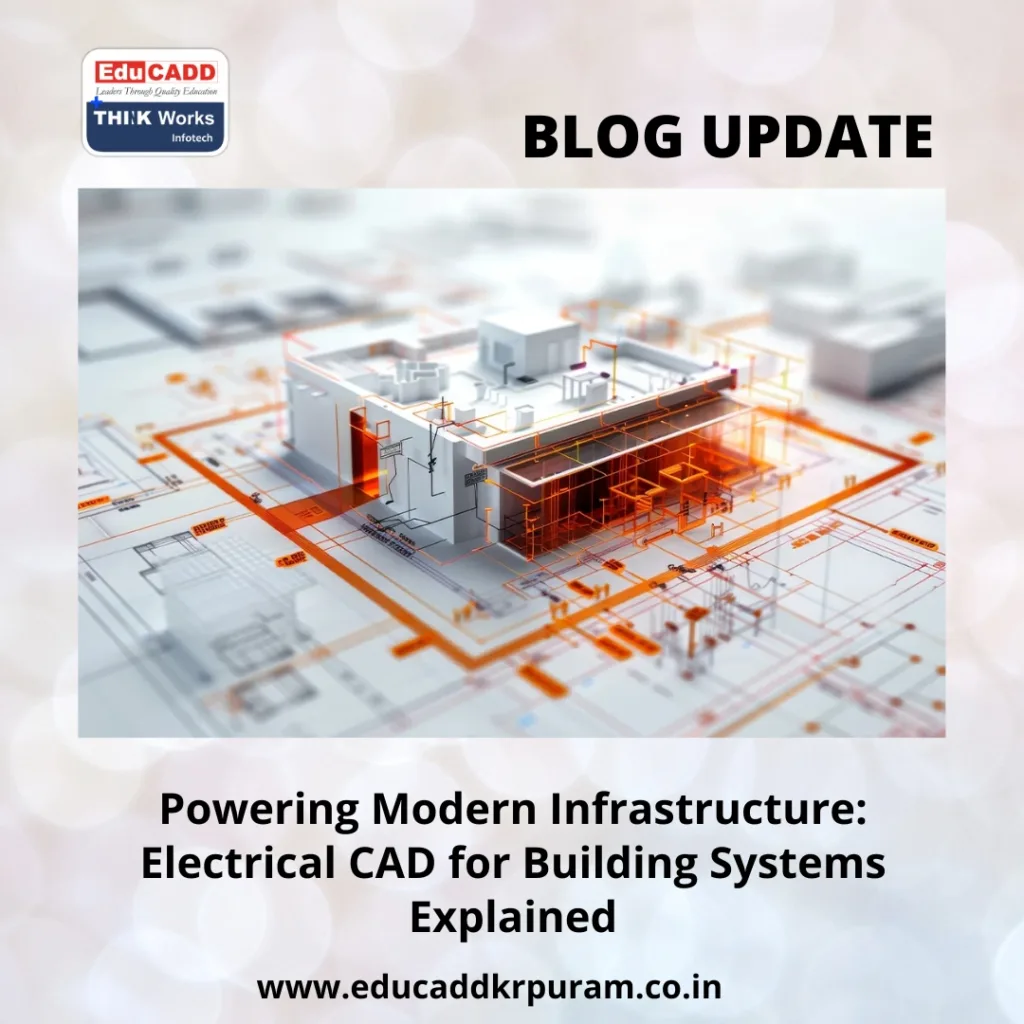
Electrical CAD Building Systems
In this article, you’ll discover what Electrical CAD for building systems involves, its key advantages, essential components, and how it’s shaping the future of construction.
1. Understanding Electrical CAD in Building Systems
Electrical CAD is specialized design software that creates, edits, and manages electrical layouts in buildings. It’s not just a drawing tool—it’s a comprehensive design environment. Engineers can create circuit diagrams, wiring plans, panel schedules, and even integrate with mechanical and plumbing designs.
Unlike manual drafting, Electrical CAD uses symbols and templates that follow international electrical standards. This ensures consistency across different projects and reduces the risk of errors. The software also automates repetitive tasks such as numbering wires, creating legends, and generating bills of materials.
Because building systems often involve multiple teams—architects, structural engineers, and HVAC designers—Electrical CAD supports collaboration. Designers can work on the same project files, track changes, and detect clashes between systems before construction begins.
For example, if a lighting layout overlaps with an HVAC duct, the clash detection feature alerts the designer, preventing costly rework on-site. This integration makes Electrical CAD an essential tool in the Building Information Modeling (BIM) process.
2. Key Benefits of Electrical CAD for Building Projects
Switching from traditional drafting to Electrical CAD for building systems offers significant advantages. The most obvious is accuracy. With automated tools, designers can ensure that each component is correctly placed, connected, and labeled.
Another major benefit is speed. Electrical CAD allows users to copy layouts, reuse templates, and generate reports instantly. This is especially valuable in large-scale projects where time constraints are tight.
Cost savings also come into play. By detecting design conflicts early and producing precise material lists, Electrical CAD helps prevent waste and budget overruns. Contractors know exactly what to order, avoiding both shortages and excess inventory.
Compliance with codes and regulations is easier too. Most CAD software includes built-in standards for wiring, grounding, and safety. This reduces the risk of non-compliance penalties and ensures the building meets local and international electrical codes.
Finally, visualization is a powerful advantage. 3D modeling capabilities let stakeholders see the electrical layout in a realistic view, making it easier to explain designs to non-technical clients. This boosts communication and reduces misunderstandings during project execution.
3. Core Components of Electrical CAD in Building Systems
When working with Electrical CAD for building systems, several core components make up the design process. These include:
a. Single-Line Diagrams (SLD)
These diagrams show the overall electrical distribution in a simplified format. They indicate how power flows from the source to various loads, including transformers, panels, and equipment.
b. Lighting Layouts
Lighting plans specify fixture locations, control switches, and circuit connections. CAD software can calculate illumination levels to meet design standards.
c. Power Distribution Plans
This involves designing the placement of outlets, distribution boards, and major electrical equipment. It ensures efficient energy delivery across the building.
d. Cable Routing and Conduits
CAD tools help design cable paths, conduits, and raceways while avoiding clashes with other building elements.
e. Panel Schedules
These schedules list all breakers, circuits, and loads associated with a panel board, helping electricians during installation.
f. Integration with Other Systems
Electrical CAD connects with HVAC, plumbing, and structural layouts. This prevents interference and supports the overall building model in BIM platforms.
By combining these components, electrical engineers create designs that are not only functional but also easy to maintain and upgrade in the future.
4. Best Practices for Using Electrical CAD Effectively
To get the most out of Electrical CAD for building systems, following best practices is essential.
1. Start with Accurate Inputs
Before beginning the design, gather all necessary architectural and structural plans. Inaccurate base data can lead to costly redesigns.
2. Use Standardized Symbols and Templates
This improves consistency and helps other team members understand your work quickly. Most CAD platforms have built-in symbol libraries.
3. Leverage Automation Features
Automated wire numbering, error checking, and report generation save hours of manual work and reduce mistakes.
4. Coordinate Across Disciplines
Share files with mechanical, plumbing, and architectural teams regularly. Use clash detection tools to prevent overlaps.
5. Maintain Clear Layer Management
Organize your CAD layers by system type, such as lighting, power, and fire alarms. This makes editing and troubleshooting easier later.
6. Keep Compliance in Mind
Always refer to the latest electrical codes for your region. Many CAD tools allow you to set compliance checks within the software.
Following these practices ensures a smooth workflow, reduces errors, and leads to better project outcomes.
5. The Future of Electrical CAD in Building Systems
The role of Electrical CAD for building systems is expanding with advances in technology. Cloud-based CAD solutions now allow teams to collaborate from anywhere, accessing project files in real time. This flexibility speeds up approvals and keeps projects on schedule.
Artificial intelligence (AI) is also making its way into electrical design. AI-driven CAD can suggest optimal cable routes, recommend efficient lighting layouts, and even predict energy consumption.
Another emerging trend is the integration of CAD with IoT (Internet of Things) devices. Designers can plan for smart sensors, automated lighting, and energy monitoring systems right from the initial design stage.
Sustainability is also shaping CAD’s future. Energy-efficient building designs are now a priority, and Electrical CAD tools help calculate energy loads, optimize circuits, and reduce power waste.
Virtual and augmented reality are starting to merge with CAD systems, enabling immersive walkthroughs of electrical layouts. This makes it easier for clients and technicians to understand the design before installation.
As buildings become smarter and greener, Electrical CAD will remain a central tool in ensuring safety, efficiency, and innovation in electrical systems.
Conclusion
Electrical CAD for building systems is far more than a drawing tool—it’s the backbone of modern electrical engineering in construction. By offering precision, speed, and collaborative capabilities, it enables engineers to deliver high-quality designs while meeting tight deadlines and budgets.
With continuous advancements like AI integration, cloud collaboration, and sustainability-focused features, Electrical CAD is set to transform how we plan and execute electrical systems in buildings. Whether you are an electrical engineer, a contractor, or a project manager, mastering Electrical CAD is a strategic investment in your future projects.

