
Enhancing Civil Engineering Projects Through 3D Modeling in Revit
Civil engineering has undergone a major transformation in recent years. Traditional 2D drafting methods are no longer sufficient for designing complex infrastructure. Modern projects require precision, collaboration, and visualization. 3D Modeling in Revit for Civil Engineering Projects addresses all these requirements.
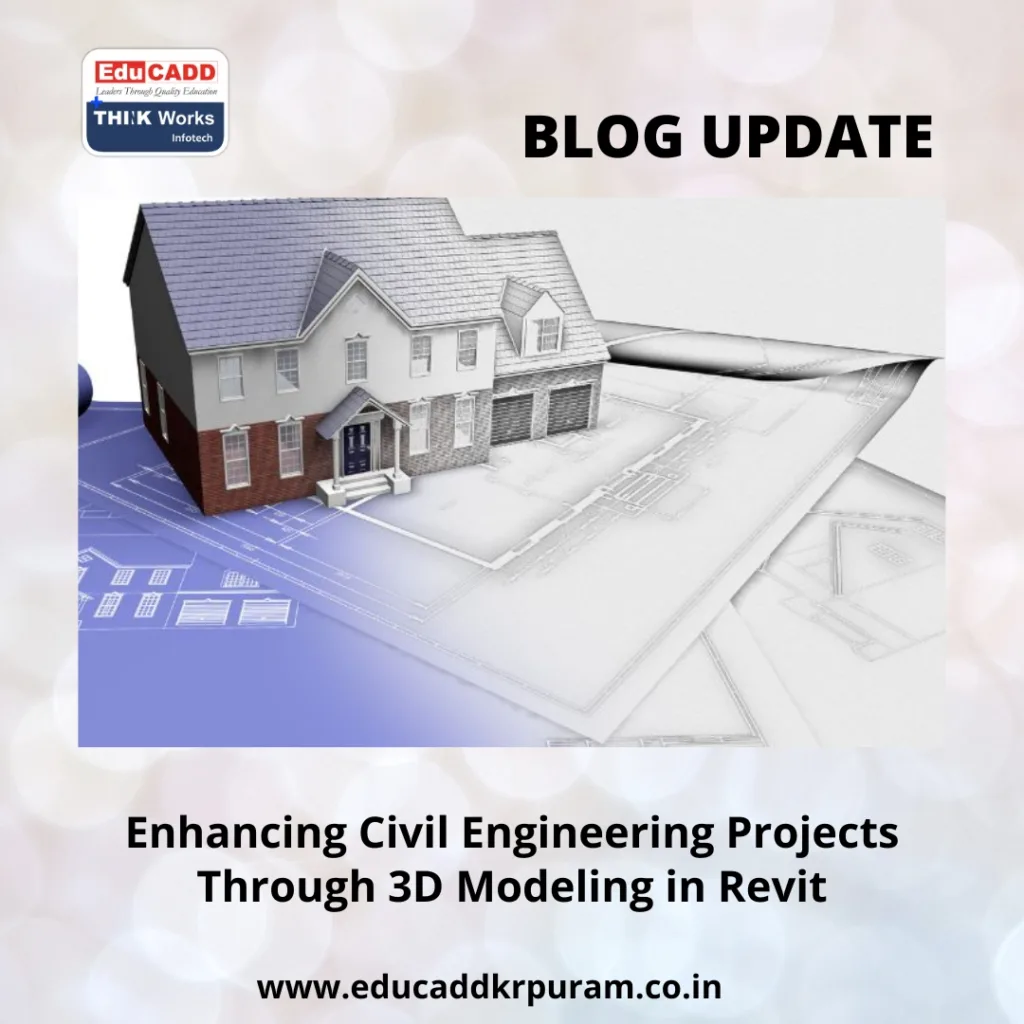
Revit 3D Civil Modeling
Revit, a Building Information Modeling (BIM) software, allows engineers to create detailed and accurate digital representations of structures. It not only streamlines design workflows but also reduces errors and enhances communication among teams. This article explores how Revit is reshaping civil engineering, its features, applications, and the best practices to maximize its benefits.
The Growing Need for 3D Modeling in Civil Engineering
Civil engineering projects are becoming more complex due to advanced urban planning and infrastructure demands. 2D drawings often fail to convey the spatial relationships among structural elements. As a result, conflicts, errors, and rework are common during construction. Here, 3D Modeling in Revit for Civil Engineering Projects plays a crucial role.
First, Revit enables engineers to visualize structures in three dimensions. This clarity helps in identifying design inconsistencies such as misaligned beams, incorrect foundation placement, or overlapping pipelines. Early detection saves time and reduces costs significantly.
Second, Revit enhances team collaboration. Multiple professionals can work on a single model simultaneously. Changes are automatically updated across all views, ensuring consistency throughout the project.
Finally, 3D models simplify communication with stakeholders. Clients, contractors, and regulatory authorities can clearly understand the project design. Consequently, decisions are made faster, and approvals are easier to obtain. Implementing 3D Modeling in Revit for Civil Engineering Projects is therefore no longer optional—it has become a necessity for modern civil engineering.
Key Features of Revit for Civil Engineering Projects
Revit offers a wide range of tools specifically designed for civil engineers. These tools make project planning, design, and analysis more efficient.
1. Parametric Design
Every element in Revit is interdependent. Modifying one component automatically adjusts connected parts. For example, changing the length of a beam updates associated columns and slabs. This parametric approach ensures design consistency and reduces manual errors.
2. Structural Tools
Revit provides specialized tools for creating beams, columns, slabs, foundations, and other structural elements. Engineers can model bridges, buildings, and industrial structures with high precision.
3. Topography and Site Planning
Revit allows importing or creating topographic data. Civil engineers can design roads, grading plans, and drainage systems in alignment with the terrain. This integration results in safer and more practical designs.
4. Collaboration with BIM 360
Revit integrates with BIM 360, enabling cloud-based teamwork. Engineers, architects, and contractors can access models in real time. This reduces version conflicts and ensures coordinated workflows.
5. Analytical and Simulation Capabilities
Revit provides tools for load analysis, structural simulations, and clash detection. Engineers can test designs against real-world scenarios such as seismic forces, wind loads, and soil pressure. Early analysis minimizes risk and improves safety.
By utilizing these features, civil engineers can leverage 3D Modeling in Revit for Civil Engineering Projects to achieve higher accuracy and project efficiency.
Real-World Applications of 3D Modeling in Civil Engineering
The use of 3D Modeling in Revit for Civil Engineering Projects spans across multiple types of infrastructure projects.
Bridges and Flyovers
Revit allows modeling all aspects of bridges, including piers, decks, and support structures. Engineers can simulate load distribution, assess structural performance, and ensure safety. Collaboration between design teams becomes smoother and more efficient.
Roads and Highways
Civil engineers can create terrain models, road alignments, and grading plans in Revit. The software allows visualization of slopes, cut-and-fill requirements, and drainage systems. This results in safer, cost-effective, and environmentally responsible road designs.
Water and Wastewater Systems
Revit enables modeling of pipelines, pumping stations, and drainage networks. Engineers can detect clashes between utilities and structural elements early, reducing the need for on-site corrections.
Building Structures
Revit’s tools extend to multi-story buildings, commercial complexes, and industrial structures. Engineers can coordinate architectural, structural, and MEP elements efficiently, ensuring high accuracy and stability.
These applications demonstrate how 3D Modeling in Revit for Civil Engineering Projects improves project outcomes, reduces errors, and streamlines workflows.
Benefits of 3D Modeling in Revit for Civil Engineering Projects
Adopting 3D Modeling in Revit for Civil Engineering Projects offers numerous advantages:
-
Enhanced Accuracy
3D models ensure precise measurements and spatial relationships. Design errors are minimized, and conflicts are identified before construction. -
Increased Efficiency
Automation in Revit reduces repetitive tasks. Engineers can focus on design improvements and problem-solving rather than manual updates. -
Cost Savings
Fewer errors and rework result in lower construction costs. Accurate simulations reduce material wastage and project delays. -
Better Stakeholder Communication
3D models convey complex designs clearly. Clients and contractors can easily understand the project intent, speeding up approvals and collaboration. -
Sustainable Design and Optimization
Revit supports environmental analysis and resource optimization. Engineers can design structures that minimize environmental impact while maintaining efficiency.
By adopting 3D Modeling in Revit for Civil Engineering Projects, engineers achieve more reliable, cost-effective, and sustainable project outcomes.
Best Practices for Effective 3D Modeling in Revit
Maximizing the benefits of 3D Modeling in Revit for Civil Engineering Projects requires following best practices:
-
Accurate Data Collection
Ensure all survey, topographic, and site data are precise. Inaccurate input can lead to design errors. -
Standardized Templates and Libraries
Using pre-defined templates for layers, materials, and annotations ensures consistency across projects. -
Early Collaboration
Engage all stakeholders early in the design process. Frequent communication reduces conflicts and improves project quality. -
Clash Detection
Regularly perform clash detection between structural, architectural, and MEP elements. Resolving conflicts early avoids delays and cost overruns. -
Continuous Learning
Revit is constantly updated. Engineers should stay informed about new features, tools, and industry best practices to maintain efficiency.
Following these strategies allows civil engineers to harness the full potential of 3D Modeling in Revit for Civil Engineering Projects, resulting in high-quality, error-free, and timely project delivery.
Conclusion
The role of Revit 3D Civil Modeling for Civil Engineering Projects has become indispensable in modern infrastructure development. From bridges and roads to complex buildings, Revit provides tools for accurate design, efficient collaboration, and enhanced visualization.
By adopting Revit, civil engineers can reduce errors, save time and costs, and ensure sustainable designs. Best practices, regular learning, and effective collaboration maximize its advantages, helping engineers deliver superior project outcomes.
Integrating 3D modeling in Revit is not just a technological upgrade—it is a step toward transforming the future of civil engineering projects.

