
Navigating CAD Choices: Solid Edge vs SolidWorks for Aspiring Designers
In today’s engineering and design landscape, Computer-Aided Design (CAD) has become an essential skill for product development, manufacturing, and mechanical engineering. Choosing the right CAD software can influence how efficiently you learn, how quickly you execute designs, and even which career opportunities become available. Among the most recognized tools in the market, Solid Edge SolidWorks Comparison are often compared due to their robust features, versatility, and wide industry adoption.
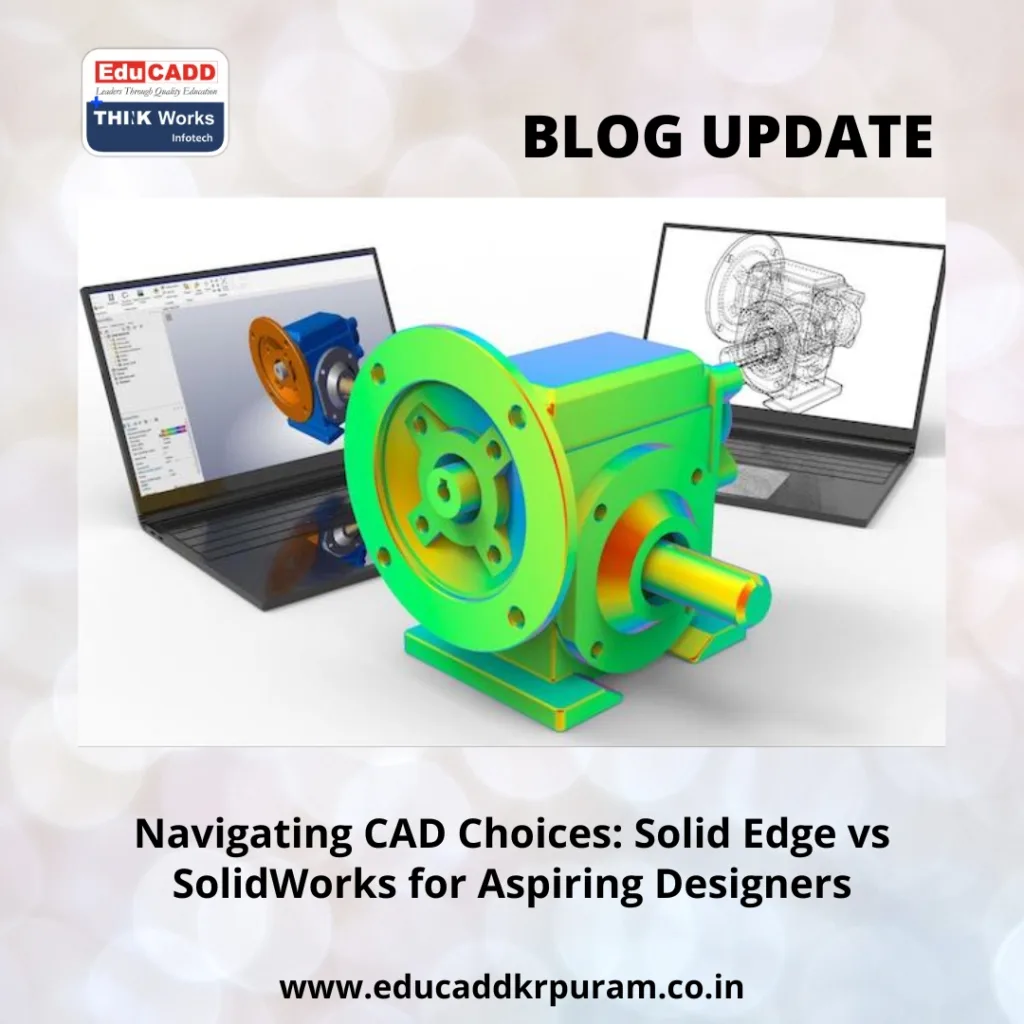
Solid Edge SolidWorks Comparison
For CAD learners, understanding the differences between Solid Edge SolidWorks Comparison is not just a technical exercise—it shapes your approach to modeling, assembly management, and problem-solving. This guide dives into software features, usability, learning resources, industry applications, and real-world examples to help aspiring designers make informed choices.
1. Introduction to Solid Edge and SolidWorks
Solid Edge: Flexible Hybrid Modeling
Developed by Siemens, Solid Edge is well-known for its hybrid modeling capabilities. Its synchronous technology combines direct and parametric modeling, allowing designers to modify parts without worrying about feature order. This flexibility makes Solid Edge particularly useful for iterative designs and projects with frequent changes. For learners, synchronous modeling reduces frustration and accelerates the learning process, as mistakes can be corrected without reworking entire models.
SolidWorks: Precise Parametric Design
SolidWorks, created by Dassault Systèmes, uses a fully parametric modeling approach. Designers work with sketches, features, and assemblies that follow strict dimensional relationships. This approach ensures precision, making SolidWorks highly suitable for complex assemblies, sheet metal designs, surfacing, and simulations. Its interface emphasizes structured workflows, teaching learners how to think in terms of design intent and dependencies—a skill highly valued in professional engineering environments.
Both platforms support 3D modeling, assembly creation, and simulation. However, the underlying modeling philosophy differs. Understanding these differences helps learners choose software aligned with their design style and career aspirations.
2. User Interface and Learning Experience
Navigating Solid Edge
Solid Edge uses a ribbon-style interface, with logically grouped commands that simplify navigation. Learners can quickly access essential tools for sketching, modeling, and assembly. The hybrid modeling system allows for on-the-fly adjustments, which is particularly beneficial for beginners working on complex assemblies.
For instance, if a student designs a gear assembly and later needs to change tooth dimensions, synchronous technology allows them to adjust the part without reordering the features. This immediate feedback encourages experimentation and builds confidence.
Learning SolidWorks
SolidWorks features a feature-tree interface, where sketches and features build upon one another. Initially, learners may find the structured workflow challenging, but it promotes disciplined modeling habits. Understanding how sketches relate to features and how assemblies interact is crucial for industrial design accuracy.
SolidWorks also offers extensive learning materials: official tutorials, online courses, forums, and certifications like CSWA (Certified SolidWorks Associate) and CSWP (Certified SolidWorks Professional). These resources guide learners from beginner to professional level while reinforcing parametric design thinking.
Transition Tip: While Solid Edge reduces initial learning friction, SolidWorks instills rigorous modeling discipline that is highly valued in industrial projects.
3. Design and Modeling Capabilities
Solid Edge Strengths
Solid Edge shines in hybrid modeling, allowing users to combine direct edits with parametric features. This is ideal for:
-
Iterative design projects: Modify parts quickly without reworking the model.
-
Rapid prototyping: Test multiple design variations efficiently.
-
Assembly flexibility: Make part adjustments without affecting the entire assembly structure.
For example, in automotive component design, a student can adjust a car suspension bracket without recalculating all dependencies—a task that might be more cumbersome in fully parametric software.
SolidWorks Strengths
SolidWorks specializes in parametric precision, offering tools for:
-
Complex assemblies and sub-assemblies
-
Sheet metal design and bending simulations
-
Surface modeling for aesthetic or aerodynamic parts
-
Advanced simulation: stress, thermal, and fluid flow analysis
These capabilities make SolidWorks suitable for industries like aerospace, consumer electronics, and industrial machinery. CAD learners can explore the software’s simulation modules to understand real-world design stresses, providing an edge when entering professional roles.
Comparison Example
| Feature | Solid Edge | SolidWorks |
|---|---|---|
| Modeling Approach | Hybrid (Direct + Parametric) | Fully Parametric |
| Assembly Changes | Flexible | Structured, dependent on feature order |
| Simulation | Femap, Simcenter | Simulation Professional, Flow Simulation |
| Rapid Prototyping | Excellent | Moderate |
| Learning Curve | Easier for beginners | Steeper but rewarding |
4. Industry Applications and Collaboration
Solid Edge in Industry
Solid Edge integrates seamlessly with Siemens PLM software, making it ideal for large-scale industrial projects. It is commonly used in:
-
Automotive design and assembly
-
Aerospace components
-
Machinery and equipment design
Its synchronous technology also facilitates collaboration among teams, allowing multiple engineers to work on a part without disrupting the workflow.
SolidWorks in Industry
SolidWorks has a large user community and extensive third-party plugin support. Industries where it is widely used include:
-
Consumer product design
-
Medical devices
-
Small to medium manufacturing enterprises
Cloud collaboration via 3DEXPERIENCE enables distributed teams to work together efficiently. Its prevalence in startups and SMEs makes SolidWorks a versatile choice for learners seeking diverse career opportunities.
Collaborative Considerations
For CAD learners, knowing how each software integrates into industrial workflows is essential. Solid Edge aligns with structured, large-scale manufacturing, while SolidWorks is flexible for dynamic, project-driven environments.
5. Learning Resources and Career Pathways
Solid Edge Learning Resources
Siemens provides comprehensive learning tools:
-
Online tutorials and webinars
-
Certified training courses
-
Practical project examples for mechanical and industrial design
Mastering Solid Edge is particularly advantageous for careers in automotive, aerospace, and machinery manufacturing, where large-scale design collaboration is common.
SolidWorks Learning Resources
SolidWorks learners benefit from:
-
Online tutorials and forums
-
Structured certification programs (CSWA, CSWP, CSWE)
-
Community-driven problem-solving resources
Proficiency in SolidWorks opens doors to careers in product design, prototyping, and consulting. Its widespread industry adoption ensures learners can find internships and projects to build practical experience.
Career Tip
Learning both platforms enhances employability. Employers value versatile designers who understand multiple CAD ecosystems. For beginners, starting with Solid Edge can build confidence, while advancing to SolidWorks reinforces structured design thinking.
6. Practical Tips for CAD Learners
-
Start with projects that interest you: Create small assemblies like gears, brackets, or mechanical linkages to practice modeling techniques.
-
Leverage tutorials and certifications: Structured learning accelerates skill acquisition and adds credibility to your resume.
-
Focus on modeling philosophy: Understand the difference between hybrid (Solid Edge) and parametric (SolidWorks) approaches.
-
Use real-world examples: Model components from everyday objects to understand design intent and constraints.
-
Explore simulation features: Both platforms offer simulation modules—practice stress analysis, thermal tests, and motion studies to gain practical insights.
Conclusion
For CAD learners, choosing between Solid Edge vs SolidWorks involves more than software preference—it shapes how you approach problem-solving, modeling, and collaboration.
-
Solid Edge: Flexible, beginner-friendly, and ideal for iterative workflows.
-
SolidWorks: Precise, structured, and widely adopted across industries for parametric design.
Exploring both platforms equips learners with a versatile skill set. By understanding their strengths, applications, and learning resources, CAD enthusiasts can confidently navigate their design journey and maximize career opportunities.

