
Engineering Precision: Sheet Metal Design Using SolidWorks
Sheet Metal Design SolidWorks is a cornerstone of modern manufacturing, widely used in automotive, aerospace, electronics, and industrial applications. Designing efficient, accurate sheet metal parts requires both engineering insight and advanced software tools. SolidWorks provides an integrated platform for creating, simulating, and optimizing sheet metal designs, helping engineers streamline production and reduce errors.
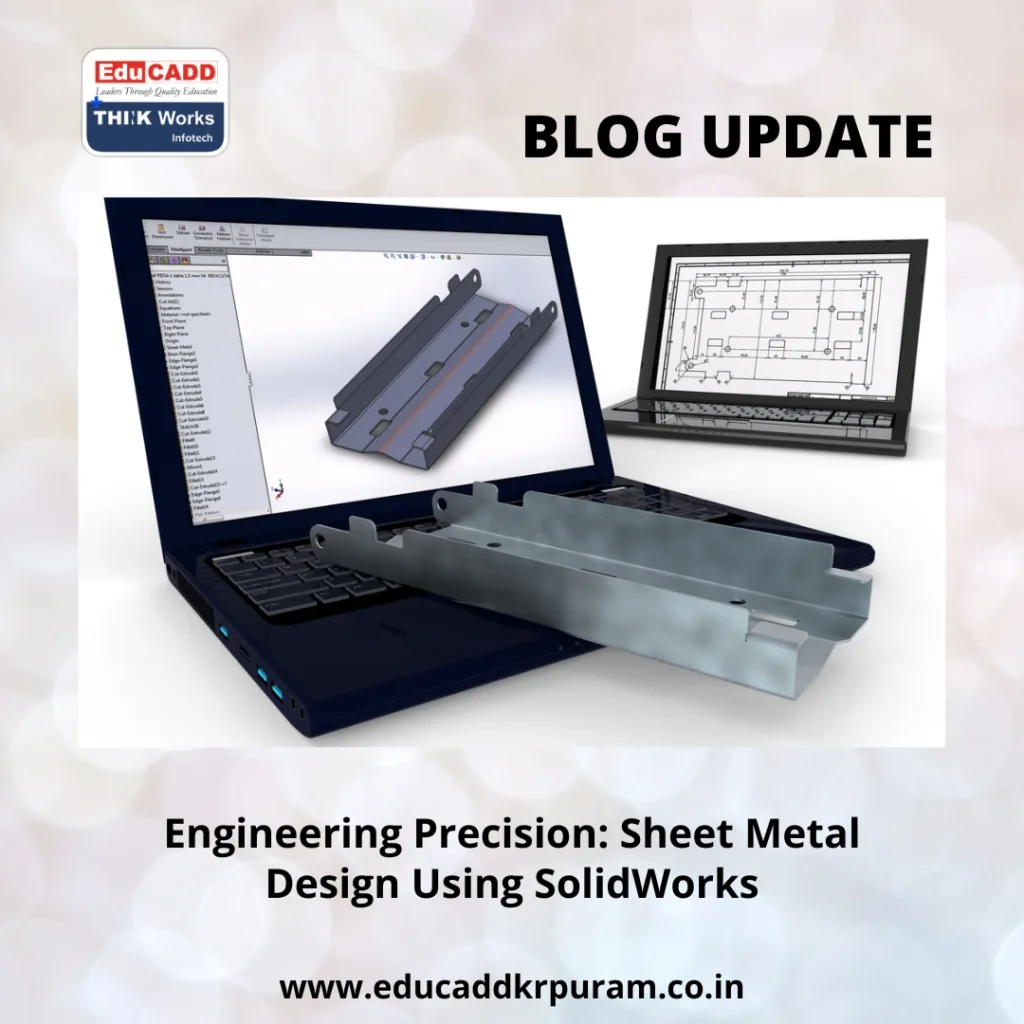
Sheet Metal Design SolidWorks
This guide covers everything engineers need to know about Sheet Metal Design SolidWorks, including foundational principles, practical modeling methods, advanced techniques, simulation, and real-world applications. By understanding these concepts, designers can produce manufacturable parts that meet industry standards while improving workflow efficiency.
Core Principles of Sheet Metal Design
Successful sheet metal design starts with understanding material behavior and manufacturing constraints. Sheet metal refers to thin, flat metal sheets that can be bent, cut, and formed into various parts. Common materials include steel, aluminum, and copper alloys, each with unique characteristics that influence bending, stretching, and forming processes.
Key considerations include:
-
Material Thickness: Determines the part’s stiffness and affects minimum bend radius requirements.
-
Bend Allowance: Accounts for material stretching during bending, ensuring precise final dimensions.
-
Grain Direction: Bending against the grain can cause deformation or cracks.
-
Manufacturing Limitations: Processes like punching, laser cutting, and stamping impose restrictions on hole placement, bend radius, and feature spacing.
SolidWorks’ Sheet Metal Module simplifies these challenges by automatically calculating bend allowances, material properties, and flattening patterns, allowing engineers to design parts ready for production.
Modeling Sheet Metal Parts in SolidWorks
Creating sheet metal parts in SolidWorks begins with defining a base feature, typically a flat flange. Users can specify thickness, bend radius, and corner reliefs to ensure manufacturability.
Once the base is established, features like bends, hems, flanges, and cutouts can be applied. SolidWorks also allows converting existing solid parts into sheet metal components. The software automatically detects bends and generates a flat pattern for manufacturing.
The Flatten tool is particularly useful. It provides a precise flat representation of the part, allowing designers to verify dimensions and communicate accurately with fabrication teams.
Pro Tip: Plan the base flange orientation carefully. A well-positioned starting feature reduces rebuild errors and simplifies downstream modifications.
Controlling Bends and Features Effectively
Bends define sheet metal parts, shaping their form and influencing structural strength. SolidWorks provides robust bend management tools:
-
Automatic Bend Deduction: Adjusts material to maintain accurate dimensions.
-
Neutral Axis Adjustment: Ensures correct bend lengths by considering material behavior.
-
K-Factor Application: Accounts for material stretching during bends.
Feature control is equally important. Engineers can add cutouts, embosses, louvers, and other features without compromising the flat pattern. SolidWorks’ parametric capabilities ensure that updates to one feature propagate consistently across the model.
Example: Adding a vent hole before flattening ensures the cutout accounts for bend deformation, reducing errors in manufacturing.
Advanced Sheet Metal Techniques and Recommendations
Advanced sheet metal design using SolidWorks incorporates strategies to enhance manufacturability and reduce material waste.
-
Multi-Body Components: Enable complex assemblies within a single file.
-
Forming Tool Library: Predefined punches, dies, and embosses accelerate prototyping.
-
Configurations: Manage multiple design variations in one part file.
-
Design Tables: Automate feature dimensions and variations using Excel-driven tables.
Best Practices:
-
Use consistent bend radii across similar components to simplify tooling.
-
Avoid sharp internal corners to minimize stress and prevent tearing.
-
Apply correct K-Factor and bend allowances for accurate flat patterns.
-
Organize features logically to minimize rebuild issues.
-
Collaborate with manufacturing teams early to ensure feasibility.
Implementing these techniques ensures reliable designs, reduces trial-and-error, and optimizes production efficiency.
Simulation and Performance Validation
Simulating sheet metal components ensures designs meet functional and structural requirements. SolidWorks Simulation allows engineers to:
-
Analyze stress and strain on bends and flanges.
-
Test thermal effects on components exposed to high temperatures.
-
Examine deformation during forming or bending.
-
Detect interference in assemblies to prevent fitment issues.
Combining simulation with parametric modeling enables quick iteration. Engineers can adjust bend radii, thickness, or features virtually before production, reducing delays and minimizing costly rework.
Practical Example: Simulating a heat sink enclosure under thermal expansion ensures correct clearances and prevents warping before manufacturing.
Industry Applications of Sheet Metal Design
Sheet metal components are vital in numerous sectors:
-
Automotive: Brackets, chassis panels, heat shields, and body parts.
-
Aerospace: Lightweight fuselage panels, interior fittings, and structural components.
-
Consumer Electronics: Enclosures, frames, and heat dissipation panels.
-
Industrial Machinery: Protective covers, mounting brackets, and housings.
Mastering sheet metal design using SolidWorks allows engineers to create parts that are precise, cost-effective, and ready for production. Integrated design, simulation, and manufacturing tools improve collaboration and streamline workflows.
Conclusion
Designing sheet metal parts requires knowledge of materials, manufacturing constraints, and advanced CAD tools. SolidWorks provides an all-in-one platform for engineers to create, simulate, and optimize sheet metal components efficiently.
By understanding core principles, utilizing advanced features, and following best practices, engineers can produce high-quality, manufacturable components that meet rigorous industry standards.
From automotive panels to aerospace structures, Sheet Metal Design SolidWorks empowers engineers to combine precision, creativity, and efficiency in every project.

