
Shaping the Next Generation of Infrastructure: A Deep Dive into Civil 3D for Smarter Project Delivery
Infrastructure development has entered a period of dramatic transformation. As cities grow rapidly and global populations rise, governments and private sectors are investing heavily in innovative transportation networks, utility systems, urban expansions, and sustainable public services. Managing these large-scale demands requires more than traditional drafting tools; it requires intelligent digital platforms that streamline workflows while preserving accuracy. This is exactly where Civil 3D Infrastructure Workflow plays a vital role.
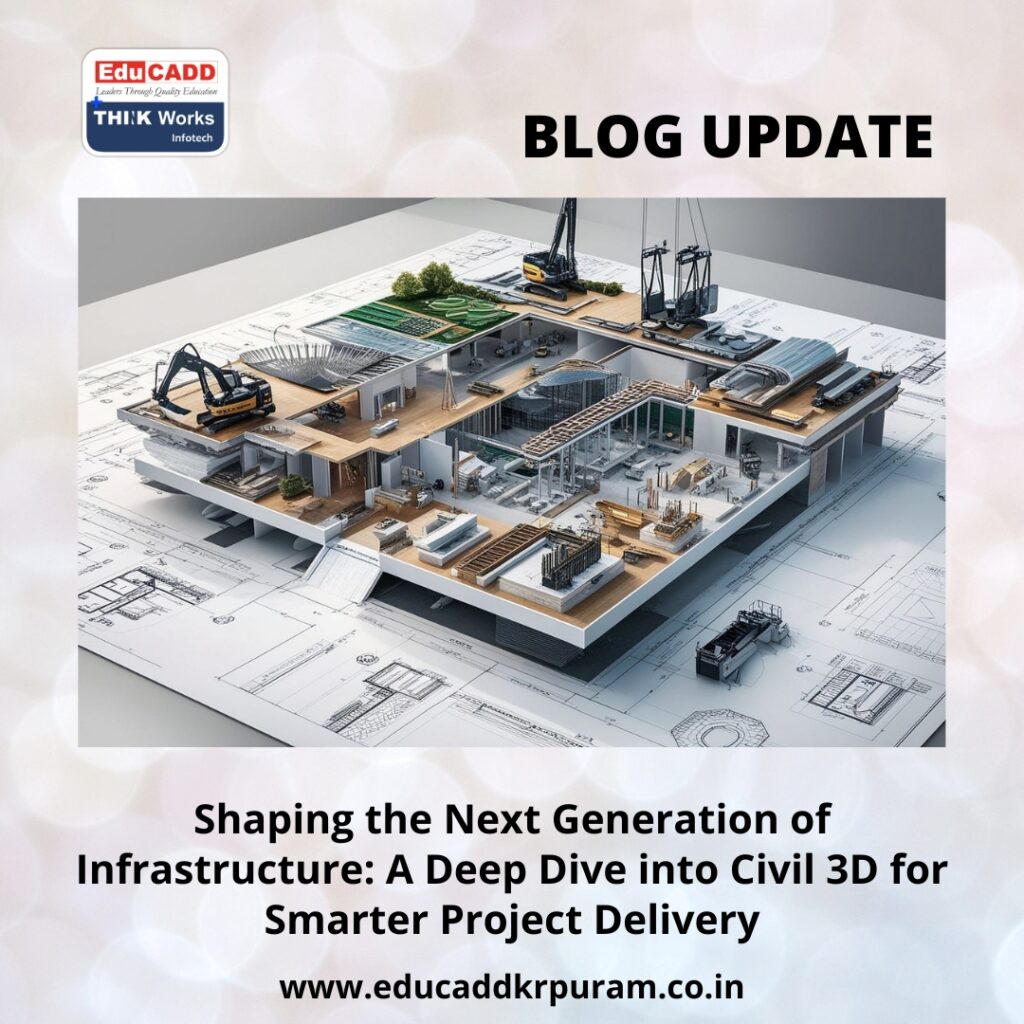
Civil 3D Infrastructure Workflow
Civil 3D has become a cornerstone in modern civil engineering. It simplifies design processes, connects project data, improves collaboration, and speeds up decision-making. Instead of relying on static drawings, Civil 3D uses dynamic objects that adapt to every change in the design. Engineers can explore alternatives, manage complex datasets, test layouts, analyze terrain, and prepare detailed documentation without constant manual edits. This blog takes you through a comprehensive and refreshed perspective on Civil 3D, offering a complete understanding of how it supports real-world industry workflows across transportation, utilities, land development, and large civil engineering environments.
1. Why Civil 3D Has Become Essential in Modern Engineering
Civil 3D is more than a drafting application—it is a controlled, model-based system designed for projects that demand accuracy and flexibility. Infrastructure projects operate in environments where data constantly changes. Survey updates, design modifications, client requests, and regulatory requirements shape the project from start to finish. Civil 3D keeps everything synchronized.
A Model-Based Workflow That Enhances Precision
Unlike static CAD drawings, Civil 3D creates intelligent relationships between surfaces, alignments, corridors, profiles, and grading elements. When one part of the design adjusts, connected elements update instantly. This automation prevents mistakes and ensures a consistent design.
Enhanced Visualization and Stakeholder Understanding
Civil 3D allows engineers to transform designs into rich 3D models. These models reveal slopes, road geometry, earthwork volumes, and underground utility paths with clear visual detail. Stakeholders such as contractors, planners, and municipal authorities understand the project faster when presented visually.
Seamless Integration With Autodesk’s Ecosystem
Civil 3D collaborates smoothly with InfraWorks, Navisworks, ReCap, BIM 360, and Autodesk Construction Cloud. These combined tools create an ecosystem for simulations, clash detection, site modeling, and real-time construction coordination.
Automation That Saves Time
Civil 3D removes repetitive errors through automation. Earthwork calculations, pipe networks, section views, plan-production sheets, and profile adjustments require a fraction of the manual effort compared to traditional methods.
As infrastructure needs expand worldwide, Civil 3D’s role becomes indispensable for delivering reliable, efficient, and scalable projects.
2. Creating High-Accuracy Terrain Models and Foundational Survey Data
Every engineering project begins with survey data. Without an accurate representation of the land, designs can fail or require costly revisions. Civil 3D provides robust tools to manage and refine survey inputs, ensuring high-quality terrain modeling.
Integrating Multiple Survey Sources
Civil 3D accepts data from:
-
Drone photogrammetry
-
LiDAR scans
-
GPS rovers
-
Total station surveys
-
GIS databases
-
Satellite imagery
Once imported, this data converts into structured point groups, breaklines, and feature lines.
Building Intelligent Surfaces
Surfaces form the foundation of infrastructure design. Civil 3D produces existing ground models and proposed surfaces with detailed mathematical precision. These surfaces help engineers:
-
Understand existing terrain conditions
-
Analyze slope behavior
-
Identify watershed zones
-
Plan safe and efficient routes
-
Estimate earthworks
The software updates surfaces automatically when new survey data arrives, keeping the model accurate at all times.
Advanced Terrain Analysis
Civil 3D offers analytical maps that highlight:
-
High and low elevation areas
-
Steep gradients
-
Drainage basins
-
Catchment boundaries
-
Contour variations
These visual tools assist engineers in determining the best alignment routes and grading strategies.
Merged and Filtered Surfaces for Accuracy
Survey data often contains noise or redundant points. Civil 3D filters these elements and refines the surface to ensure smooth results. Teams can also create composite surfaces using multiple datasets, which are especially useful in large corridor or land development projects.
Accurate terrain models form the backbone of successful infrastructure design, and Civil 3D handles this stage with reliability and precision.
3. Designing Alignments, Profiles, and Corridors With Engineering-Level Precision
Transportation and utility networks rely heavily on well-defined geometric paths. Civil 3D Infrastructure Workflow powerful tools to design alignments, vertical profiles, and corridor models that meet engineering standards while remaining adaptable to change.
Horizontal Alignment Development
Horizontal alignment is the first step in the layout of roads, railways, and pipelines. Civil 3D helps engineers create:
-
Tangents
-
Spiral curves
-
Circular curves
-
Transition elements
Every geometric detail follows regulatory guidelines and safety parameters.
Vertical Alignment and Profile Optimization
Once the horizontal route is established, engineers design vertical profiles that respond to existing topography. Civil 3D displays existing ground elevation and allows designers to adjust gradients and vertical curves to achieve an optimized path.
Dynamic Corridor Modeling
Corridor modeling is one of Civil 3D’s most advanced capabilities. It brings together alignments, profiles, and assemblies to create a highly realistic 3D model.
Corridors enable engineers to:
-
Visualize entire roadways
-
Generate cross-sections automatically
-
Calculate earthwork volumes
-
Optimize lane widths and superelevations
-
Detect design issues early
Civil 3D’s corridor engine updates instantly when alignment or profile changes occur, ensuring the entire design stays connected.
Handling Complex Design Scenarios
Civil 3D supports features that address advanced roadway needs such as:
-
Intersections
-
Roundabouts
-
Lane transitions
-
Widening zones
-
Subgrade elements
This makes Civil 3D for Infrastructure Projects ideal for transportation engineering at any scale.
4. Streamlined Drainage, Utility Layouts, and Earthwork Optimization
Infrastructure projects require precise planning for stormwater, wastewater, and underground utilities. Civil 3D offers comprehensive tools for designing and analyzing these networks.
Stormwater and Wastewater Design
Civil 3D allows engineers to create full drainage networks with:
-
Manholes
-
Pipes
-
Junctions
-
Inlets
-
Catch basins
The software calculates flow direction automatically and maintains slope control for each pipe. Engineers can also analyze runoff, catchment boundaries, and inlet performance based on rain intensity.
Utility Network Modeling
Utility systems such as water supply, electrical ducts, gas pipelines, and telecommunication lines must be integrated carefully. Civil 3D displays utilities in 3D, reducing the chances of clashes with other design elements.
Earthwork Quantities and Cut-Fill Balancing
Earthwork design is crucial for budgeting and environmental impact. Civil 3D automates:
-
Cut and fill calculations
-
Volume comparisons between surfaces
-
Earthwork balance optimization
-
Material reporting
These calculations help contractors plan excavation, hauling, and backfilling effectively.
Grading for Sites and Land Development
Civil 3D makes grading easier with feature lines and grading objects. Engineers can design building pads, slopes, parking lots, and industrial zones with controlled precision.
These tools ensure that water flows correctly, utilities remain safe, and grading meets all project requirements.
5. Automatic Documentation, Team Coordination, and Construction-Ready Output
Once the design is complete, accurate documentation and strong collaboration determine project success. Civil 3D accelerates both stages with powerful automation and cloud connectivity.
Plan and Sheet Production
Civil 3D produces plan, profile, and section sheets using automated workflows. Engineers can generate dozens of sheets quickly while maintaining consistent standards. Any design revision updates all affected sheets instantly.
Collaborative Workflows With Data Shortcuts
Large teams can work on the same project without disrupting one another. Civil 3D supports data shortcuts and references, enabling:
-
Survey teams
-
Road designers
-
Drainage engineers
-
Utility planners
to collaborate effectively while accessing the latest data.
Integration With Cloud Platforms
BIM 360 and Autodesk Construction Cloud allow teams to:
-
Share files instantly
-
View updated models on-site
-
Track project progress
-
Coordinate with contractors
This eliminates delays caused by outdated drawings.
Construction-Ready Models
Civil 3D exports designs that work directly with machine control systems used in:
-
Excavators
-
Graders
-
Pavers
This digital-to-construction workflow improves accuracy, reduces waste, and shortens project timelines.
Conclusion
As cities expand and infrastructure grows more complex, engineers need tools that deliver clarity, precision, and efficiency. Civil 3D Infrastructure Workflow offers a complete environment for terrain modeling, geometric design, drainage planning, utility coordination, grading, documentation, and construction delivery. Its dynamic, model-based approach reduces errors, improves communication, and supports the smooth execution of large-scale civil engineering work.
Civil 3D is now a fundamental skill for engineers who want to thrive in modern project environments. It empowers professionals to design smarter, collaborate better, and build faster. Whether you’re working on transportation corridors, urban development, utility systems, or public infrastructure, Civil 3D provides the tools needed to shape the future with confidence and innovation.

