
Shaping the Land with Precision: A Real-World Guide to Site Grading Using Civil 3D
Site Grading Using Civil 3D defines how land supports human activity. It influences drainage behavior, construction stability, and long-term site performance. In earlier decades, engineers relied on manual calculations and static drawings. Today, such methods struggle to meet modern project demands. Civil 3D has changed this reality by introducing intelligent, model-based grading workflows.
This guide explores site grading using Civil 3D from a practical, field-oriented perspective. It explains how designers transform raw land data into functional, buildable surfaces. Each section focuses on real project logic rather than software theory. By understanding these workflows, professionals can design grading solutions that are accurate, efficient, and construction-ready.
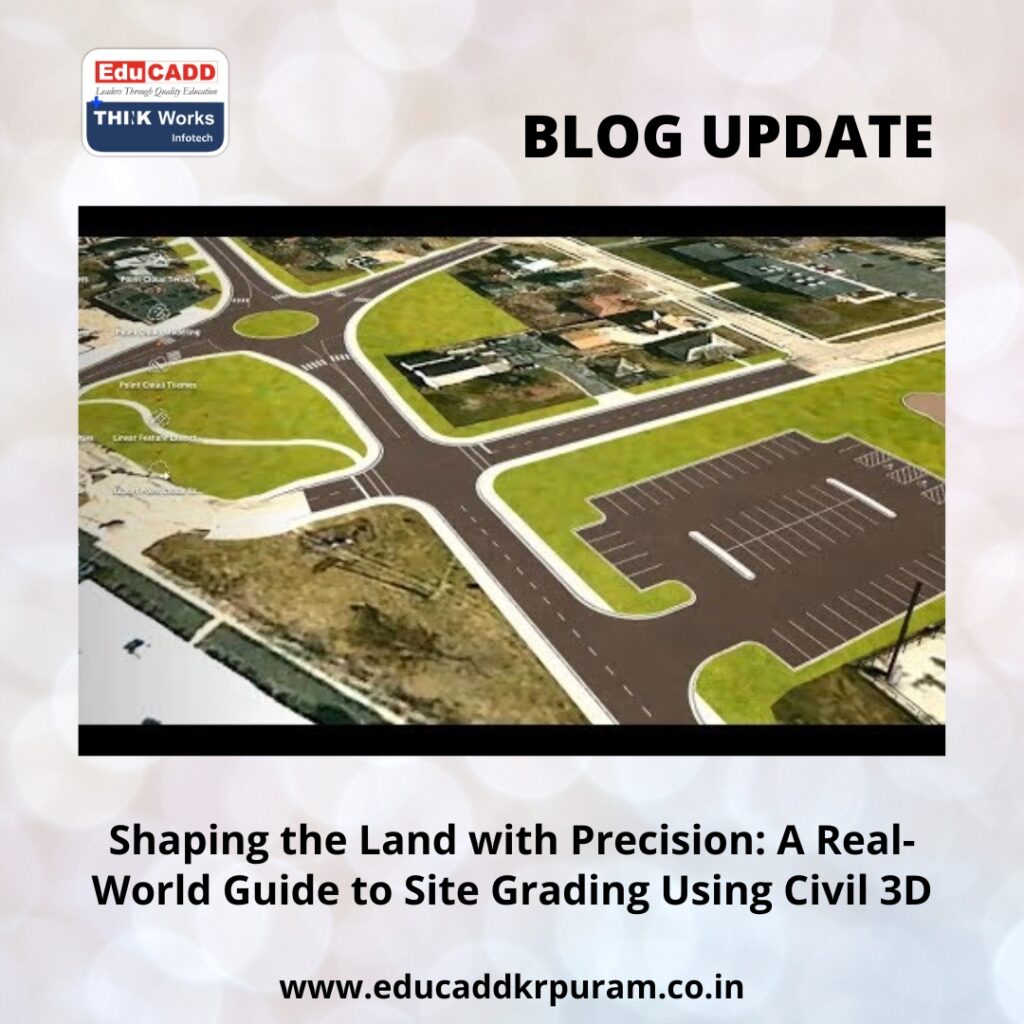
Site Grading Using Civil 3D
The Functional Importance of Site Grading in Civil Projects
Site grading is not just about shaping terrain. It directly affects safety, cost, and environmental performance. Proper grading ensures that water drains away from structures, slopes remain stable, and access areas stay usable. Poor grading decisions often lead to flooding, erosion, and structural damage.
Civil 3D allows engineers to analyze terrain behavior before construction begins. Designers can visualize slope behavior and predict drainage outcomes. This ability reduces uncertainty and improves planning. When grading decisions follow data-driven logic, projects achieve better performance and fewer post-construction issues.
Why Civil 3D Has Become the Industry Standard for Grading Design
Civil 3D differs from traditional CAD tools because it uses intelligent design objects. These objects understand relationships between elevations, slopes, and surfaces. When one element changes, the entire model updates automatically.
This dynamic capability is essential for grading work. Designers no longer need to redraw contours after every revision. Civil 3D recalculates surfaces in real time. This saves time, improves accuracy, and supports fast decision-making. For these reasons, site grading in Civil 3D has become a core requirement in modern civil engineering practice.
Setting Up the Project Environment for Reliable Grading
Accurate grading begins with correct project setup. Even small errors in units or coordinate systems can compromise design accuracy. Civil 3D requires careful preparation before grading work starts.
Designers must define drawing units, select coordinate systems, and apply consistent styles. These settings ensure alignment between survey data and design elements. A clean setup also improves file stability and team collaboration. When the foundation is strong, site grading workflows remain predictable and efficient.
Importing Survey Information and Building Existing Ground Surfaces
Survey data reflects real site conditions and must be handled carefully. Civil 3D supports point files, breaklines, and surface imports from various sources. Accurate data integration ensures the model mirrors actual terrain.
Once imported, designers create an Existing Ground surface. This surface serves as the baseline for grading analysis. Civil 3D displays contours and elevation changes clearly. These visuals help designers identify drainage patterns and terrain challenges early. Reliable existing surfaces form the backbone of effective grading design.
Understanding Design Constraints and Grading Standards
Every grading project operates within defined limits. These include slope restrictions, accessibility rules, and local authority guidelines. Ignoring these constraints leads to design rejection or costly redesigns.
Civil 3D allows designers to apply grading criteria directly to design objects. Slopes stay within acceptable limits, and transitions follow engineering standards. This automated enforcement improves consistency across the site. Compliance becomes part of the design process rather than a separate check.
Feature Lines as the Primary Control Element in Grading
Feature lines play a central role in site grading workflows. They define edges, breaks, and elevation changes with precision. Unlike basic polylines, feature lines store vertical data.
Designers use feature lines to represent curbs, building outlines, and drainage channels. Editing these lines updates the surface instantly. This responsiveness allows quick refinements without rebuilding the model. Feature lines give designers direct control over grading outcomes.
Using Grading Tools and Managing Grading Groups
Civil 3D grading tools automate slope creation based on defined criteria. Designers apply these tools to feature lines to generate surfaces efficiently. Grading groups organize these elements into logical design zones.
Each grading group represents a specific purpose, such as pads or landscaped areas. This organization simplifies revisions and analysis. When designers modify one group, others remain unaffected. Structured grading groups reduce confusion in complex projects.
Designing Building Pads with Accurate Elevation Control
Building pads require precise elevation planning. Improper pad grading can cause water accumulation near foundations. Civil 3D simplifies pad creation through grading objects and feature lines.
Designers define finished floor elevations and apply outward slopes. Civil 3D visualizes elevation differences clearly. This helps identify potential drainage issues early. Proper pad grading protects structures and improves site longevity.
Grading for Parking Areas, Roads, and Hard Surfaces
Hardscape grading demands accuracy and consistency. Parking lots must remain accessible, while roads must drain efficiently. Civil 3D offers specialized tools for these tasks.
Designers use alignments and profiles for roadway grading. Feature lines define parking boundaries and slopes. Civil 3D calculates surface interactions automatically. This approach improves safety, usability, and compliance with design standards.
Analyzing Surfaces to Validate Grading Quality
Surface analysis tools help designers validate grading performance. Civil 3D provides slope analysis, elevation bands, and flow direction visuals. These tools highlight problem areas quickly.
Steep slopes become visible through color mapping. Flat zones that may trap water appear clearly. Designers can correct issues before finalizing drawings. Regular analysis strengthens confidence in grading decisions.
Balancing Cut and Fill for Efficient Earthwork Design
Earthwork balance influences both cost and sustainability. Excessive cut or fill increases material transport and disposal expenses. Civil 3D calculates earthwork volumes accurately through surface comparison.
Designers adjust grading strategies to minimize imbalance. This process supports cost-effective construction and environmental responsibility. Civil 3D integrates earthwork analysis seamlessly into grading workflows.
Managing Design Revisions with Dynamic Updates
Design changes are inevitable in real projects. Civil 3D handles revisions through dynamic relationships. When feature lines change, surfaces update automatically.
This flexibility allows designers to test alternatives quickly. Client feedback can be incorporated without rebuilding models. Dynamic updates reduce errors and save time. Civil 3D supports an adaptive grading process that matches real project demands.
Producing Construction-Ready Grading Drawings
Clear documentation transforms grading designs into buildable plans. Civil 3D automates contour labels, spot elevations, and slope annotations. These elements remain linked to the model.
When changes occur, drawings update automatically. Designers can generate grading plans directly from the model. This ensures consistency between design intent and construction execution. Accurate documentation improves communication and reduces site errors.
Conclusion
Site Grading Using Civil 3D combines engineering judgment with digital intelligence. It allows designers to predict terrain behavior, control drainage, and optimize earthwork efficiently. Through disciplined setup, accurate surfaces, and structured workflows, grading designs become reliable and adaptable.
This guide presented real-world methods used by professionals. Applying these techniques consistently improves efficiency, reduces rework, and strengthens project outcomes. Mastery of site grading in Civil 3D builds technical confidence and positions professionals for long-term success in civil engineering and infrastructure design.

