
Revolutionizing Mechanical Design: The Ultimate Guide to 2D to 3D CAD Conversion
Mechanical engineering has seen a dramatic evolution in recent years. While traditional 2D technical drawings have long been the foundation of product design, modern industries demand far more. 2D to 3D CAD has become an indispensable skill, enabling engineers to convert flat drawings into fully interactive, precise digital models. This process does more than create visual representations; it bridges the gap between design and manufacturing, improves collaboration across teams, and provides a foundation for simulations and advanced analyses. By mastering 2D to 3D conversion, professionals can enhance accuracy, reduce errors, and future-proof their design workflows. In this guide, we will explore every aspect of converting 2D mechanical drawings into dynamic 3D CAD models.
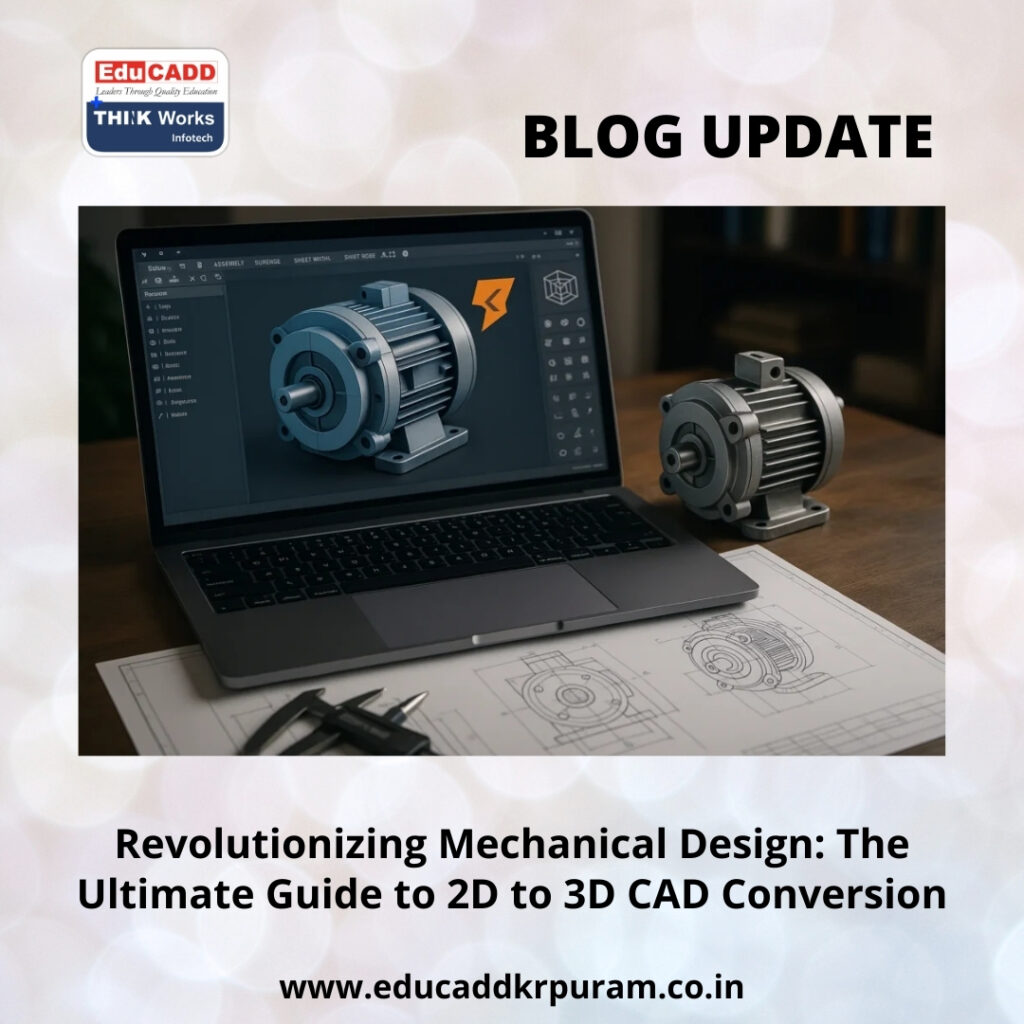
2D to 3D CAD
1. Understanding the Essence of 2D to 3D CAD Conversion
At its core, 2D to 3D conversion in mechanical CAD is about transforming flat orthographic drawings into spatial, parametric models that capture the design intent. Unlike 2D sketches, 3D models allow engineers to inspect geometry from multiple angles, perform interference checks, and run simulations. Converting 2D drawings isn’t merely a technical task—it requires interpreting dimensions, tolerances, and annotations with precision. A clear understanding of the fundamentals ensures that every feature in the resulting 3D model aligns with the original design, creating a robust foundation for downstream applications.
2. The Limitations of 2D Drawings in Modern Design Workflows
Despite their long-standing use, 2D drawings come with inherent challenges. Multiple views can be misinterpreted, complex shapes are hard to visualize, and modifications often require tedious updates. In fast-paced engineering environments, these limitations can cause costly delays. By contrast, 2D to 3D conversion in mechanical CAD enables designers to work with intelligent models that reflect real-world geometry. These models are easier to update, more accurate, and compatible with simulation and manufacturing software. Transitioning from 2D to 3D is no longer optional—it’s a necessity for staying competitive in modern mechanical engineering.
3. The Importance of Accurate 2D Drawing Interpretation
The first step in any conversion project is thorough examination of 2D drawings. Engineers must carefully interpret dimensions, orthographic views, sectional cuts, and auxiliary details. Understanding GD&T symbols, surface finish annotations, and tolerances is critical. During 2D to 3D conversion in mechanical CAD, missing or ambiguous dimensions often require professional judgment, cross-referencing standards, or consulting with stakeholders. Accurate interpretation prevents errors and ensures the digital model precisely mirrors the original design intent, making the subsequent CAD workflow smoother and more reliable.
4. Choosing the Right CAD Software for Conversion
Selecting an appropriate CAD platform is vital for efficiency. Tools like SolidWorks, CATIA, Creo, NX, AutoCAD, and Fusion 360 are widely used for 2D to 3D conversion in mechanical CAD. Each software offers unique strengths: SolidWorks is ideal for parametric part modeling, CATIA excels in surface and complex assembly design, and Creo supports advanced engineering workflows. The choice depends on project complexity, industry requirements, and team expertise. Using the right software reduces conversion errors, accelerates modeling, and ensures compatibility with other digital tools.
5. Preparing the CAD Environment for Efficient Modeling
A well-prepared CAD workspace significantly impacts productivity. Before starting 2D to 3D conversion in mechanical CAD, engineers should configure units, templates, layers, and reference planes. Importing 2D drawings correctly and organizing geometry into layers helps prevent confusion during modeling. Establishing origins and planes ensures that features align properly, which is essential for creating parametric, editable models. Investing time in setup reduces rework, ensures consistency, and lays the groundwork for accurate, professional-grade 3D models.
6. Translating 2D Sketches into Accurate 3D Models
Sketching is the foundation of solid modeling. Engineers replicate 2D geometry in 3D sketches, applying constraints to fully define every line, curve, and circle. Properly constrained sketches prevent errors during feature creation and allow modifications without compromising model stability. During 2D to 3D conversion in mechanical CAD, careful sketching ensures that the 3D model accurately represents the original design. Well-structured sketches also simplify revisions and make the model easier to maintain for future projects.
7. Creating Solid Features from Sketches
Once sketches are complete, they are converted into 3D solids using extrusion, revolution, sweep, and loft operations. Each feature type serves specific purposes: extrusions for prismatic shapes, revolutions for cylindrical parts, sweeps for path-based geometries, and lofts for complex transitional shapes. 2D to 3D conversion in mechanical CAD requires logical sequencing of features to maintain parametric relationships. A structured approach ensures model stability, facilitates easy edits, and mirrors real-world manufacturing constraints.
8. Embedding Parametric Design for Intelligent Models
Parametric design allows features to respond dynamically to changes. By defining relationships and constraints, engineers ensure that adjustments to one part propagate correctly throughout the model. For example, moving a reference edge can automatically reposition related holes or cuts. 2D to 3D conversion in mechanical CAD benefits greatly from parametric modeling, making the digital model more flexible, reusable, and intelligent. This approach also saves time during design iterations and supports complex assembly workflows.
9. Detailing Models with Fillets, Chamfers, and Patterns
After creating basic solids, finishing features such as fillets, chamfers, holes, and patterns enhance both appearance and manufacturability. Fillets reduce stress concentration, chamfers aid assembly, and holes adhere to standard specifications. Patterns replicate repeated features efficiently. Including these details during 2D to 3D conversion in mechanical CAD ensures the model is comprehensive and ready for real-world applications. Thoughtful detailing improves visualization, ensures accuracy, and prepares the model for manufacturing processes.
10. Converting Assemblies from 2D to 3D
Many designs involve complete assemblies rather than individual parts. During 2D to 3D conversion in mechanical CAD, each component is modeled separately, then assembled digitally using mates and constraints. Assemblies reveal interference issues, allow motion studies, and facilitate exploded views. Proper assembly modeling helps identify design flaws early, reduces manufacturing errors, and enables seamless collaboration across engineering, production, and quality teams.
11. Verifying Accuracy and Model Integrity
Accuracy verification is critical to prevent costly mistakes. Engineers cross-check 3D models against 2D drawings, using section views, measurements, and interference checks. Peer reviews and iterative validation help ensure that every feature and dimension is correct. During 2D to 3D conversion in mechanical CAD, these steps confirm the reliability of the model, guaranteeing it meets original design specifications and functions as intended in manufacturing and simulation.
12. Preparing Models for Manufacturing and Simulation
Once validated, 3D models must be ready for downstream applications. They are used for CNC programming, additive manufacturing, simulations, and digital twins. Engineers apply material properties, tolerances, and annotations to ensure manufacturability. 2D to 3D conversion in mechanical CAD transforms legacy drawings into actionable assets that support stress analysis, motion studies, and thermal simulations. Models prepared this way improve efficiency, reduce errors, and accelerate the production cycle.
13. Overcoming Common Challenges in Conversion
Challenges are inevitable during 2D to 3D conversion in mechanical CAD. Missing dimensions, unclear annotations, and outdated drawings can impede progress. Experienced engineers mitigate these issues by consulting standards, verifying assumptions, and maintaining clean feature trees. Structured sketches and logical feature sequencing improve model stability. With practice, professionals anticipate common pitfalls and develop strategies to ensure conversion is accurate, efficient, and aligned with original design intent.
14. Career Advantages and Industrial Impact
Mastering 2D to 3D CAD has significant career benefits. Professionals gain expertise that is highly valued in industries like aerospace, automotive, heavy machinery, and consumer products. Companies converting legacy designs to 3D digital models rely on engineers who can accurately interpret drawings, build intelligent models, and integrate them into modern workflows. Beyond technical skills, this expertise demonstrates problem-solving, adaptability, and a forward-thinking approach—making skilled professionals invaluable assets to any engineering team.
Conclusion
The journey from 2D sketches to fully functional 3D models is transformative for mechanical engineering. 2D to 3D CAD enables precise visualization, efficient workflows, and seamless integration with manufacturing and simulation. By understanding drawings, leveraging parametric modeling, and embedding design intent, engineers create models that are accurate, intelligent, and production-ready. Embracing this skill not only enhances career prospects but also elevates organizational capabilities, bridging the gap between traditional drafting and the future of digital engineering.

