
Design Without Disruption: How Clash Detection in Revit Stops Construction Errors Before They Start
Revit Clash Detection Benefits, coordination, and speed. However, as buildings grow more complex, the risk of design conflicts increases dramatically. Architectural layouts, structural systems, and MEP services often overlap in ways that are difficult to detect using traditional methods. This is where changes the entire workflow. Instead of discovering problems during construction, teams can predict and resolve them digitally. By identifying conflicts early, organizations reduce costly site errors, protect timelines, and maintain quality. This blog explores how clash detection in Revit works, why it matters, and how it plays a vital role in minimizing on-site construction errors across projects of all scales.
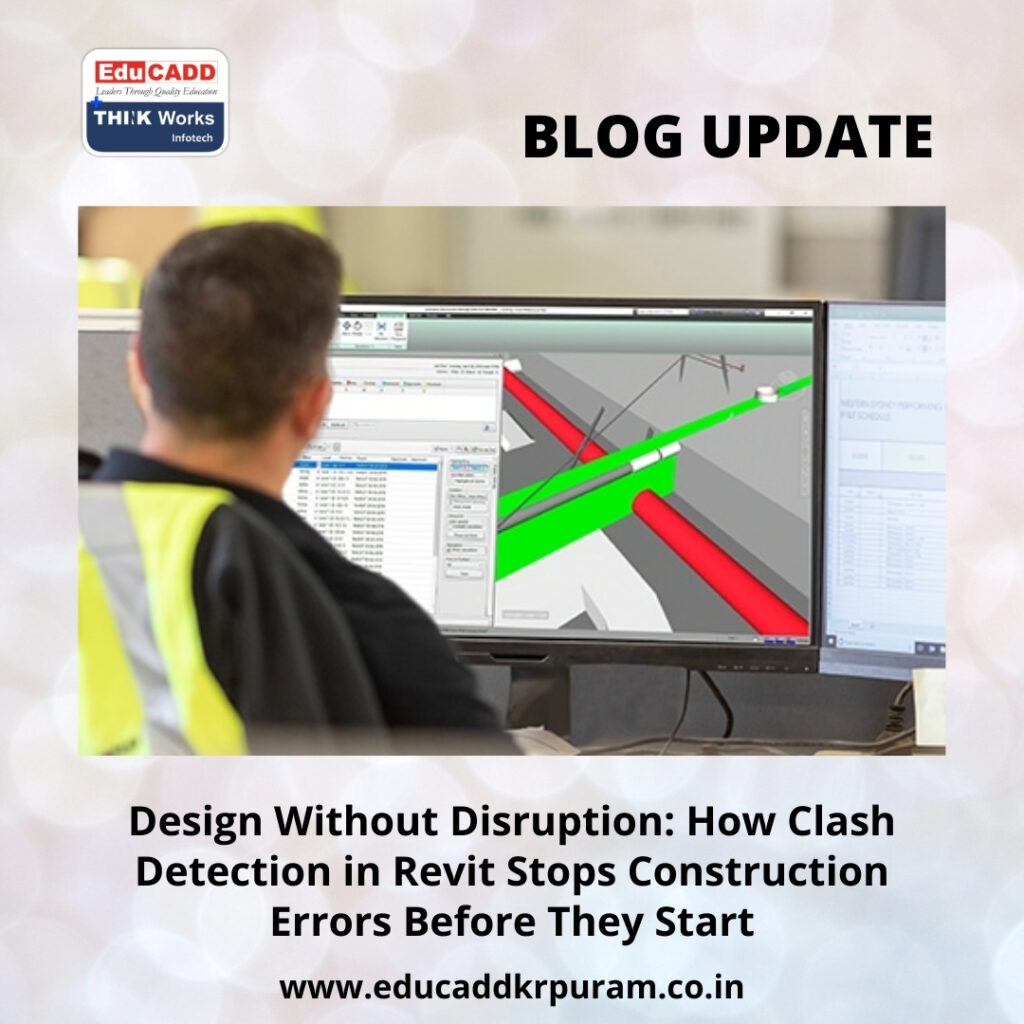
Revit Clash Detection Benefits
1. Understanding the Concept of Clash Detection in Revit
Clash detection in Revit is the process of identifying spatial conflicts between building elements within a BIM model. These conflicts occur when components such as beams, pipes, ducts, cable trays, or walls intersect improperly. Revit allows project teams to visualize these interactions in a three-dimensional environment. Unlike 2D drawings, which rely heavily on interpretation, Revit presents exact geometry and data. As a result, clashes become immediately visible. This clarity allows teams to make informed decisions early. Over time, clash detection becomes an essential coordination tool rather than a corrective measure. It supports better planning, improved communication, and more reliable construction outcomes.
2. Why On-Site Errors Continue to Challenge Construction Projects
On-site errors remain one of the most expensive issues in construction. When clashes go unnoticed during design, they surface during execution. At that stage, fixing them requires additional labor, material replacement, and schedule adjustments. These disruptions affect not only budgets but also worker morale and client confidence. Furthermore, repeated corrections increase safety risks. Clash detection in Revit addresses these challenges by moving problem-solving upstream. By resolving conflicts digitally, teams prevent errors from reaching the site. This proactive approach reduces uncertainty and helps projects progress smoothly from planning to completion.
3. Revit as a Central Platform for Multidisciplinary Coordination
Revit stands out because it supports true multidisciplinary integration. Architectural, structural, and MEP models can coexist within one coordinated environment. Each element contains data that updates automatically when changes occur. This interconnected structure ensures consistency across the model. Clash detection in Revit benefits from this integration because conflicts appear as soon as elements intersect. Teams no longer work in isolation. Instead, they collaborate using shared models. This unified approach improves accuracy and eliminates guesswork, making Revit an ideal platform for early clash identification.
4. Different Types of Clashes Identified Through Revit
Not all clashes are the same. Clash detection in Revit helps identify multiple types of conflicts. Hard clashes occur when two elements physically occupy the same space. Soft clashes arise when required clearances are missing, such as access zones around equipment. Workflow clashes involve sequencing issues, where installations conflict due to scheduling logic. Identifying all three types is critical. Hard clashes affect constructability, soft clashes impact maintenance, and workflow clashes disrupt schedules. Addressing each category ensures a well-coordinated and buildable design.
5. The Importance of Model Accuracy Before Running Clash Detection
Effective clash detection depends on accurate modeling. Poorly created models generate misleading results. Elements must be placed correctly, categorized properly, and modeled to the appropriate level of detail. Shared coordinates must align across disciplines. Clash detection in Revit works best when modeling standards are consistent. When teams invest time in model preparation, they reduce false positives and missed conflicts. This preparation phase may seem time-consuming, but it saves significant effort later. Accurate models lead to reliable coordination and better project outcomes.
6. The Clash Detection Workflow Inside Revit
The clash detection process begins by linking discipline models into a central Revit file. Teams then use interference checking tools to analyze interactions between selected categories. Revit generates a list of detected clashes, each of which can be reviewed visually. Teams evaluate severity and assign responsibility for resolution. After modifications are made, the model undergoes another round of checks. This iterative workflow continues until conflicts are resolved. Clash detection in Revit becomes part of a continuous improvement cycle that strengthens coordination at every stage.
7. Enhancing Clash Detection Using Navisworks Integration
For large and complex projects, teams often extend clash detection beyond Revit by using Navisworks. Navisworks allows automated clash testing, advanced filtering, and detailed reporting. Models exported from Revit can be combined and analyzed at scale. Clash detection in Revit gains additional power through this integration. Teams can track issues, assign priorities, and monitor resolution progress. Navisworks also supports better communication with stakeholders by presenting clear visual reports. Together, Revit and Navisworks create a robust coordination ecosystem.
8. Improving Collaboration Through Visual Coordination
One of the greatest advantages of clash detection is its impact on collaboration. Visual models help teams understand issues quickly. Instead of debating drawings, stakeholders review clashes together in 3D. This shared perspective reduces misunderstandings. Clash detection in Revit encourages open discussion and faster decision-making. Coordination meetings become more productive. Designers, engineers, and contractors align their efforts more effectively. Strong collaboration leads to fewer conflicts and smoother project execution.
9. Reducing Rework and Material Waste on Construction Sites
Rework is a major contributor to project inefficiency. Materials ordered incorrectly or installed in the wrong location often end up wasted. Clash detection in Revit significantly reduces rework by resolving conflicts before construction begins. Accurate coordination supports precise material planning. This approach minimizes excess orders and reduces waste. Beyond cost savings, it supports sustainability goals. Efficient resource use benefits both the project and the environment. Over time, reduced rework translates into stronger financial performance.
10. Supporting Reliable Construction Scheduling
Unresolved clashes frequently disrupt construction schedules. When trades encounter conflicts on-site, work stops until solutions are found. Clash detection in Revit helps prevent these interruptions. With a clash-free model, contractors can plan installations confidently. Sequencing becomes more reliable. As a result, schedules remain realistic and achievable. Predictable timelines improve coordination among trades and strengthen trust with clients. Reliable scheduling is one of the most tangible benefits of effective clash detection.
11. Strengthening Quality Control and Compliance
Quality control begins during design. Clash detection in Revit ensures that models comply with design intent, codes, and standards. Early conflict resolution reduces the risk of non-compliance during construction. Digital records of resolved clashes provide valuable documentation. These records support audits, reviews, and approvals. A structured clash detection process reinforces accountability and professionalism. Quality improves not by chance, but by design.
12. The Role of Training and BIM Standards
Technology alone does not guarantee success. Teams must understand how to model correctly and interpret clash results. Training ensures consistent practices across disciplines. Clash detection in Revit becomes more effective when teams follow established BIM standards. Ongoing learning keeps professionals updated with new tools and workflows. Skilled teams detect issues earlier and resolve them faster. Investment in training delivers long-term returns through improved coordination and reduced errors.
13. Measurable Business Benefits of Clash Detection
Organizations that adopt clash detection consistently report measurable benefits. Projects experience fewer change orders, lower construction costs, and improved delivery timelines. Client satisfaction increases due to transparency and predictability. Clash detection in Revit also enhances a company’s reputation for quality and reliability. These advantages provide a competitive edge in a demanding industry. Over time, digital coordination becomes a strategic asset rather than a technical add-on.
14. The Future Direction of Clash Detection in BIM
Clash detection continues to evolve with advancements in technology. Artificial intelligence and automation are beginning to predict conflicts before they occur. Future systems may suggest optimized layouts automatically. Clash detection in Revit will likely integrate deeper with scheduling, cost estimation, and facility management tools. These innovations will further reduce risk and improve efficiency. Companies that embrace these developments early will lead the next generation of construction delivery.
Conclusion: Building Smarter Through Early Conflict Resolution
Revit Clash Detection Benefits construction from a reactive process into a predictive one. By identifying and resolving conflicts early, teams minimize on-site errors, reduce costs, and protect schedules. This approach strengthens collaboration, improves quality, and supports sustainable practices. As construction complexity increases, digital coordination becomes essential. Mastering clash detection ensures projects move forward with clarity, confidence, and control. The result is smarter building, fewer disruptions, and consistently successful outcomes.

