
From Blueprint to Reality: Mastering Revit Families for Precision BIM Modeling
In today’s design and construction landscape, efficiency and precision are everything. Revit has revolutionized the way architects, engineers, and designers approach projects, offering a dynamic environment that integrates design, analysis, and documentation. Central to this system are Revit Families BIM Modeling—the building blocks of intelligent, parametric models. While many users rely on pre-existing families, creating your own from scratch gives you unmatched control over geometry, parameters, and project data. Mastering this skill allows you to build components that perfectly match design intent, behave predictably across projects, and deliver accurate documentation. From improved project coordination to faster decision-making, the advantages are substantial. This guide provides an in-depth journey into creating Revit Families from scratch, equipping you with both technical know-how and best practices to elevate your BIM capabilities.
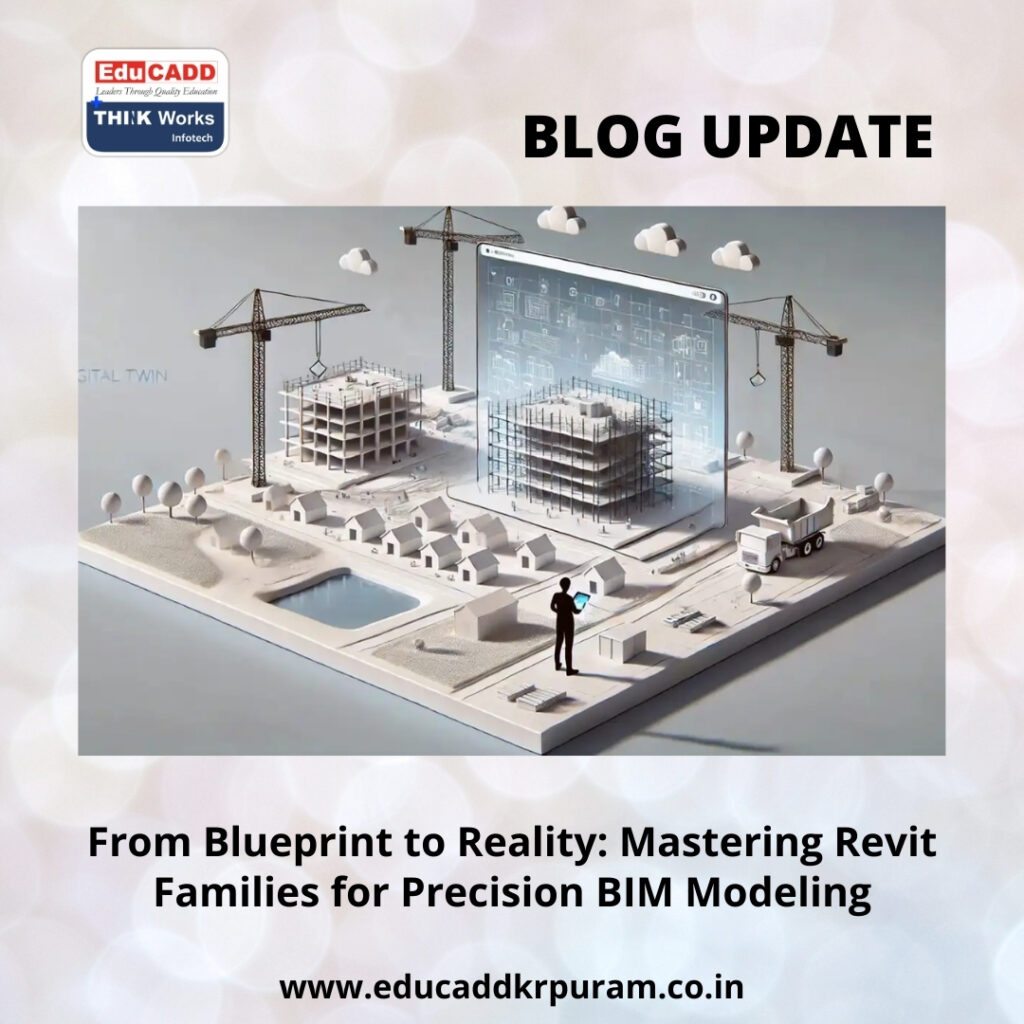
Revit Families BIM Modeling
1. Understanding Revit Families: Beyond 3D Models
Revit Families BIM Modeling are more than just digital representations—they are intelligent objects that combine geometry, data, and parametric behavior. Unlike static CAD blocks, families adapt dynamically to constraints, parameters, and environmental conditions. They encompass a wide range of elements, from structural components like walls and doors to mechanical, electrical, and furniture objects. Each family carries embedded data that informs schedules, quantity take-offs, and construction documentation. Understanding the dual role of geometry and data is critical. Properly designed families improve model consistency, accuracy, and usability, forming the backbone of effective BIM workflows.
2. Categorizing Families: Choosing the Right Type for Your Project
Revit Families are categorized into System Families, Loadable Families, and In-Place Families, each serving unique functions. System Families include elements like walls, floors, and ceilings; these are built into the project environment and cannot be exported as standalone files. Loadable Families are the most versatile, created within the Family Editor and reusable across multiple projects. In-Place Families are project-specific and used when standard components are insufficient. Knowing these categories helps you choose the right approach for each situation. Using the correct type ensures smooth integration, proper scheduling, and consistent performance throughout your project.
3. Planning Your Family: The Foundation of Success
Creating a Revit Family without planning is like building a house without a blueprint. Start by defining the purpose of the family and understanding how it will interact with other model elements. Determine the critical dimensions, parameters, and flexibility requirements. Visualize the family in different views, detail levels, and project phases. Planning also includes understanding how users will modify or schedule the component. A structured plan minimizes errors, reduces rework, and ensures that the final family performs reliably, even in complex, multi-disciplinary BIM projects.
4. Selecting the Ideal Family Template
Family templates act as the starting point for all Revit Families, dictating default parameters, behavior, and hosting requirements. Selecting the right template is crucial to ensure proper visibility, scheduling, and interaction within your project. For instance, a Door template includes host relationships and built-in constraints not available in a Generic Model template. Choosing an incorrect template can lead to placement errors, visibility conflicts, and inefficient workflows. Analyze your project needs carefully before selecting a template. This initial choice lays the foundation for efficient, functional, and reusable families.
5. Reference Planes: The Skeleton of Parametric Families
Reference planes are the backbone of Revit Families, guiding geometry and enabling predictable parametric behavior. Instead of locking geometry directly to other elements, constrain them to reference planes. This method ensures flexibility when parameters change and allows for consistent adjustments across multiple instances. Properly named reference planes enhance clarity and usability, making it easier for other team members to edit or adapt the family. A well-organized reference plane structure creates families that are robust, flexible, and professional.
6. Applying Dimensions and Constraints for Parametric Control
Dimensions and constraints are what make Revit Families intelligent. They define relationships between geometry, controlling behavior when parameters change. Over-constraining can make families rigid and prone to errors, while under-constraining can lead to unpredictable results. Balanced dimensioning ensures flexibility without sacrificing precision. Properly labeled constraints allow end-users to adjust family sizes directly in the project environment without opening the Family Editor. This combination of control and flexibility is essential for creating reliable, reusable families.
7. Parameters: Adding Intelligence and Flexibility
Parameters are the key to transforming simple geometry into dynamic, data-driven components. Instance parameters allow each family instance to vary, while type parameters ensure consistency across all instances of the same family. Shared parameters further standardize schedules, tags, and reporting across projects. Structuring parameters logically and naming them clearly improves usability. A well-parameterized family adapts to various project needs, enhances efficiency, and reduces the likelihood of modeling errors. Parameters essentially define the “intelligence” within each Revit Family.
8. Designing Geometry with Performance in Mind
While detailed geometry can look visually appealing, it often comes at the cost of model performance. Excessive complexity slows down file performance and increases processing time. Use clean solid forms, voids, and symbolic lines to achieve the desired representation efficiently. Avoid unnecessary nested families unless absolutely required. Optimized geometry ensures faster regeneration, smoother navigation, and easier collaboration. By balancing visual fidelity with performance, you maintain both high-quality output and functional efficiency.
9. Managing Visibility and Detail Levels Effectively
Visibility control allows families to display differently in coarse, medium, or fine detail views. This ensures clarity in documentation and avoids clutter in design views. It also allows families to represent different project phases or alternative configurations without duplication. By managing visibility and detail levels intelligently, your families remain flexible, readable, and usable across multiple projects. This enhances overall project efficiency and reduces the need for creating multiple family versions.
10. Assigning Materials for Realistic Visualization and Accurate Data
Materials play a crucial role in both visual presentation and project data. Proper material assignments allow realistic renderings, accurate quantity take-offs, and reliable cost estimations. Instead of hard-coding materials, use material parameters to provide flexibility. This approach ensures that families can adapt to design changes without requiring extensive rework. Correctly assigned materials also improve the accuracy of visualization, helping stakeholders better understand design intent and supporting more informed decision-making.
11. Testing Families for Functionality and Reliability
Testing is a critical step to ensure families behave as expected. Flex parameters to extreme values, review geometry behavior, and check visibility across detail levels. Verify constraints, hosting, and material properties. Thorough testing identifies errors early and avoids complications during project integration. A well-tested family builds trust among users, reduces errors in construction documentation, and streamlines collaboration. Testing guarantees that the family performs efficiently, even under complex conditions or modifications.
12. Optimizing Families for Project Performance and Scalability
Optimizing Revit Families is about ensuring efficiency, speed, and adaptability. Avoid unnecessary nested components, excessive geometry, and redundant parameters. Use symbolic representations for elements not critical to 3D visualization. Well-optimized families reduce file size, improve model performance, and enhance team collaboration. Optimization is especially important in large-scale projects where model performance directly impacts productivity. Efficient families allow teams to focus on design and analysis rather than troubleshooting slow or cumbersome components.
13. Loading, Managing, and Updating Families in Projects
Once created, families must be loaded and managed carefully within project files. Check category placement, parameter behavior, and visibility settings before deployment. Consistent naming conventions and documentation simplify updates and maintain clarity. Implement version control and conduct regular audits to prevent conflicts and ensure consistency. Effective family management ensures that projects remain organized, adaptable, and scalable. A robust family library supports long-term project efficiency and facilitates smoother workflows for the entire design team.
14. Best Practices for Building a Professional Family Library
Long-term success with Revit Families requires adherence to best practices. Standardize naming conventions, maintain clear parameters, and document family behavior. Periodically review families to ensure performance and usability. Seek feedback from users to refine functionality and improve efficiency. A structured approach to family creation and maintenance ensures that components remain reliable, flexible, and reusable across projects. A professional family library enhances team collaboration, project delivery speed, and overall BIM quality.
Conclusion
Mastering Revit Families BIM Modeling from scratch empowers designers to take full control of their BIM workflow. By creating intelligent, parametric, and reusable components, you improve model accuracy, reduce errors, and enhance collaboration. Custom families enable precise representation of design intent while optimizing performance and usability. Applying the principles and best practices outlined in this guide allows you to build high-quality Revit Families that are flexible, scalable, and professional. Developing this skill positions you as a highly competent BIM professional capable of delivering superior design solutions and efficient project outcomes.

