
Unlocking Project Excellence: Advanced Progress Tracking and Updates in Primavera P6
In today’s competitive environment, delivering projects on time, within budget, and according to scope is a challenging feat. Complex projects, particularly in construction, engineering, infrastructure, and manufacturing, demand meticulous planning and continuous monitoring. Even a small deviation from the schedule can cascade into significant delays, budget overruns, or resource conflicts. This is where Primavera P6 Progress Tracking play an indispensable role.
Primavera P6 is recognized globally as one of the most sophisticated project management tools, providing organizations with a platform to plan, monitor, and control projects effectively. Unlike basic scheduling tools, Primavera P6 allows managers to track every activity in real time, update progress accurately, analyze deviations, and forecast project completion with precision. These features make it an essential solution for projects that involve hundreds or thousands of interdependent tasks.
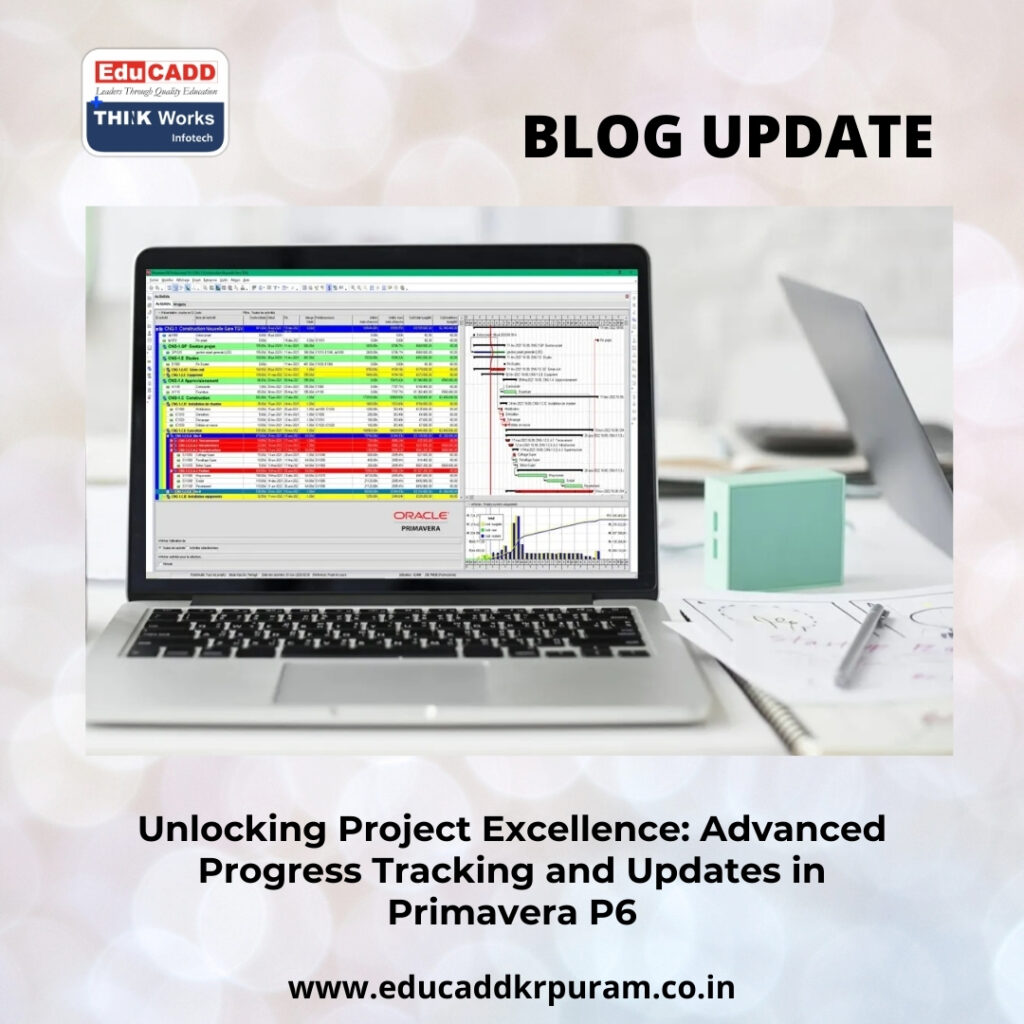
Primavera P6 Progress Tracking
Effective progress tracking is not merely about marking tasks as “complete” or “in-progress.” It involves measuring actual work against planned schedules, monitoring resource utilization, evaluating performance indicators, and generating actionable insights. Primavera P6 enables project managers to maintain transparency, optimize efficiency, and make informed decisions that minimize risks and enhance project outcomes.
This article delves deep into Primavera P6 Progress Tracking, exploring the methods, benefits, and best practices for ensuring project success. By the end of this discussion, readers will gain a comprehensive understanding of how systematic progress tracking enhances control, accountability, and overall project performance.
The Critical Importance of Tracking Project Progress
Project schedules are carefully crafted blueprints that define activity sequences, durations, dependencies, and resource allocations. While initial planning is vital, real-world conditions rarely align perfectly with the plan. Unforeseen challenges such as supply chain delays, labor shortages, technical complications, or regulatory changes can disrupt timelines. Without a robust monitoring mechanism, these deviations may go unnoticed until they impact project delivery.
Primavera P6 Progress Tracking allows project managers to identify and address deviations promptly. Regular updates provide visibility into which tasks are ahead, which are behind, and which require immediate intervention. Early identification of issues helps teams implement corrective measures, prevent bottlenecks, and maintain project alignment with objectives.
Beyond schedule adherence, progress tracking strengthens stakeholder communication. Clients, investors, and executives require timely updates on milestones, risks, and performance metrics. Primavera P6 enables managers to produce detailed reports and dashboards that visualize project status, making information easy to comprehend. This transparency fosters trust, accountability, and collaborative decision-making.
Moreover, tracking progress improves operational efficiency. By analyzing data on completed tasks, remaining durations, and resource usage, project managers can optimize allocation, prioritize critical activities, and maintain overall project productivity. Projects benefit from proactive oversight rather than reactive firefighting.
Primavera P6: A Comprehensive Project Management Solution
Primavera P6 stands out as a high-performance project management software capable of handling large-scale, complex projects. It provides a unified platform for scheduling, resource management, cost control, and performance analysis. The tool is designed for projects with thousands of interlinked tasks, offering precision that conventional software cannot match.
One of Primavera’s key strengths is its integration of planning and execution. During the planning phase, project managers define activities, durations, milestones, and dependencies. Once execution begins, Primavera P6 Progress Tracking ensure that the schedule remains synchronized with actual performance. The software recalculates timelines dynamically, allowing managers to evaluate the impact of delays and accelerate critical tasks where needed.
Collaboration is another strong suit of Primavera P6. Multiple team members—including project managers, planners, engineers, and executives—can access and update schedules simultaneously. This collaborative framework ensures accurate and consistent information flow across the organization, reducing miscommunication and redundant work.
Analytical capabilities further enhance project control. Primavera P6 generates schedule performance indices, variance analyses, and forecasts, providing actionable insights for informed decision-making. By combining monitoring, analysis, and reporting in one platform, Primavera becomes a central hub for managing project complexities efficiently.
Establishing a Baseline for Effective Tracking
Creating a baseline schedule is fundamental to any progress tracking system. The baseline represents the approved plan for the project, capturing start and finish dates, durations, dependencies, and allocated resources. It serves as the reference point against which actual progress is measured.
In Primavera P6, once the baseline is approved, it remains unchanged. This allows managers to compare ongoing project performance with the original schedule accurately. Tracking deviations against the baseline is crucial for understanding whether a project is on track, delayed, or ahead of schedule.
During Primavera P6 Progress Tracking, the baseline functions as the benchmark for all performance evaluations. When activities are updated with actual progress, Primavera calculates schedule variances, identifies delayed tasks, and highlights potential risks to the project timeline.
A solid baseline also improves accountability. Stakeholders can compare planned deliverables with achieved progress, providing transparency and confidence in project execution. Without a baseline, performance assessment would be subjective, reducing the reliability of progress reports and forecasting accuracy.
Updating Activities: Capturing Real Progress
Updating activities is the central task of progress tracking in Primavera P6. Every task in the project schedule represents a discrete piece of work. As activities are executed, their status must be recorded to reflect actual performance.
Updates typically include actual start and finish dates, percent completion, and remaining duration. These metrics allow Primavera to adjust schedules dynamically and provide accurate projections for future work. Consistent updates ensure that the schedule mirrors real-world progress rather than outdated assumptions.
For ongoing tasks, updating the percent complete is essential. Primavera supports multiple methods of measuring progress, including physical percent complete, duration percent complete, and units percent complete. Each method provides a different lens for assessing performance, and choosing the right metric depends on the nature of the activity.
Regular updates also facilitate team collaboration. When all stakeholders enter timely and accurate information, Primavera P6 becomes a reliable source of project truth. This visibility helps managers coordinate resources, resolve conflicts, and make informed decisions.
Progress Percentages: Measuring Task Completion
Percent completion is a critical metric for gauging project progress. Primavera P6 allows project managers to track task completion using various approaches, depending on activity type and resource allocation.
Physical percent complete measures the actual work performed, which is ideal for construction or engineering tasks where progress can be visually verified. Duration percent complete calculates progress based on the proportion of time elapsed relative to the planned duration. Units percent complete tracks progress in terms of resource utilization, making it useful for labor- or material-intensive activities.
Accurate updating of percent completion is crucial for project progress tracking and updates in Primavera P6. It ensures that progress calculations, forecasts, and performance metrics accurately reflect the status of ongoing tasks.
Percent completion also contributes to effective forecasting. Primavera P6 uses these inputs to calculate remaining durations, anticipated completion dates, and resource requirements, allowing project managers to anticipate and mitigate risks proactively.
Monitoring Performance Metrics for Project Control
Performance metrics provide actionable insights into project health. Primavera P6 calculates indicators such as schedule variance (SV), schedule performance index (SPI), and cost performance index (CPI) to evaluate how efficiently a project is progressing.
Schedule variance identifies deviations between planned and actual progress. Negative variance indicates delays, while positive variance signifies ahead-of-schedule performance. SPI evaluates progress efficiency relative to planned timelines.
During project progress tracking and updates in Primavera P6, these metrics guide managerial decisions, helping identify areas requiring intervention. Metrics also enhance stakeholder communication, allowing managers to present quantified evidence of project performance.
Analyzing these performance indicators regularly ensures projects remain aligned with objectives and enables proactive resolution of issues before they escalate into significant problems.
Managing Delays and Variances
Delays are inevitable in large projects, but their impact can be minimized through timely detection and management. Primavera P6 enables managers to identify tasks that are behind schedule, analyze the causes, and implement corrective measures.
Common causes of delays include resource constraints, technical challenges, coordination failures, or unforeseen external factors. Once identified, managers can take action by reallocating resources, adjusting durations, or modifying task dependencies.
Through project progress tracking and updates in Primavera P6, schedule variances are calculated automatically. Managers can evaluate the impact of delays on the critical path and overall project timeline. Prompt intervention ensures that delays do not propagate to other project activities, preserving the planned completion date.
This structured approach to delay management improves project predictability, reduces stress on teams, and strengthens stakeholder confidence.
Resource Tracking and Optimization
Efficient resource management is a vital aspect of successful project delivery. Primavera P6 allows managers to monitor resource allocation, usage, and availability throughout the project lifecycle.
During project progress tracking and updates in Primavera P6, resource utilization is compared with planned allocation. Overutilized resources can be reassigned to balance workloads, while underutilized resources can be redirected to critical activities.
Resource tracking also enables cost control. Accurate monitoring of labor, equipment, and materials ensures that budgets are adhered to and that financial performance aligns with the plan. By optimizing resource usage, organizations can achieve higher productivity and reduce the likelihood of schedule disruptions.
This level of oversight is essential for complex projects with multiple teams and interdependent activities, allowing project managers to maintain operational efficiency.
Progress Reporting for Stakeholder Engagement
Stakeholders require clear, concise, and frequent updates about project performance. Primavera P6 provides reporting tools that transform raw schedule data into visually informative reports.
Reports often include completed activities, ongoing tasks, upcoming milestones, schedule variances, and resource utilization. Visual tools such as Gantt charts, dashboards, and performance graphs help stakeholders understand project status at a glance.
Through project progress tracking and updates in Primavera P6, managers ensure that reports are accurate and timely. Regular reporting fosters transparency, accountability, and trust, allowing stakeholders to make informed decisions regarding project priorities and risk mitigation.
Effective reporting also facilitates project review meetings, enabling managers and teams to discuss progress, identify issues, and plan corrective measures collaboratively.
Forecasting Project Completion
Forecasting allows project teams to anticipate future outcomes and plan proactively. Primavera P6 uses updated schedule and resource data to generate reliable projections of completion dates and potential risks.
When performing Primavera P6 Progress Tracking, the system calculates remaining durations, expected completion timelines, and critical path implications. These forecasts allow managers to determine whether corrective actions are required to meet deadlines.
Accurate forecasting is essential for decision-making, stakeholder communication, and risk management. Projects that rely on outdated or inaccurate predictions risk missing key deadlines, exceeding budgets, and damaging organizational credibility.
By integrating progress tracking with forecasting, Primavera P6 provides managers with a comprehensive view of project performance, enabling informed and timely decisions.
Best Practices for Consistent Progress Updates
Maintaining consistency in updates is crucial for effective project management. Weekly or biweekly progress updates ensure that project schedules reflect current realities.
Responsibility for updating tasks should be clearly assigned to team members accountable for each activity. This ensures that progress data is accurate, timely, and reliable.
During project progress tracking and updates in Primavera P6, review meetings should be conducted to analyze performance data, discuss potential issues, and plan corrective measures. Maintaining accurate historical records enables better forecasting and continuous improvement.
Additionally, teams should use standardized methods to measure progress, update resources, and record schedule deviations. This discipline reduces errors, improves accountability, and enhances overall project control.
Enhancing Project Control with Primavera Analytics
Primavera P6 offers advanced tools that enhance project monitoring and control. Critical path analysis identifies activities that directly influence the project’s completion date.
During project progress tracking and updates in Primavera P6, managers focus closely on these critical path tasks. Any delay in critical path activities can extend the overall project timeline, making monitoring essential.
Schedule comparison and performance analytics allow teams to evaluate changes between baseline and current schedules. By analyzing these comparisons, managers gain insights into deviations, risks, and areas needing intervention.
Combined with regular updates, Primavera P6 analytics strengthen project control, improve predictability, and ensure that complex projects remain on track for timely and successful delivery.
Conclusion
In complex projects, success depends on meticulous planning, continuous monitoring, and timely decision-making. Primavera P6 Progress Tracking provide the structured framework necessary to achieve these objectives.
By consistently updating activity status, analyzing performance metrics, monitoring resource utilization, and generating accurate forecasts, project teams maintain full visibility into project health. Primavera P6 enables managers to identify delays early, implement corrective measures, and maintain alignment with project goals.
Organizations that adopt disciplined progress tracking practices benefit from improved efficiency, stronger stakeholder confidence, and better overall project outcomes. When used effectively, Primavera P6 empowers teams to deliver projects on time, within budget, and with high-quality results, turning complex projects into success stories.

