
Crafting Exceptional Interiors with AutoCAD and SketchUp
The interior design industry has moved beyond hand-drawn sketches and static layouts. Clients today expect accuracy, speed, and clear visualization of their spaces before any physical work begins. This shift has made digital tools indispensable. Among these, AutoCAD SketchUp Interior Design are the most powerful allies for interior designers.
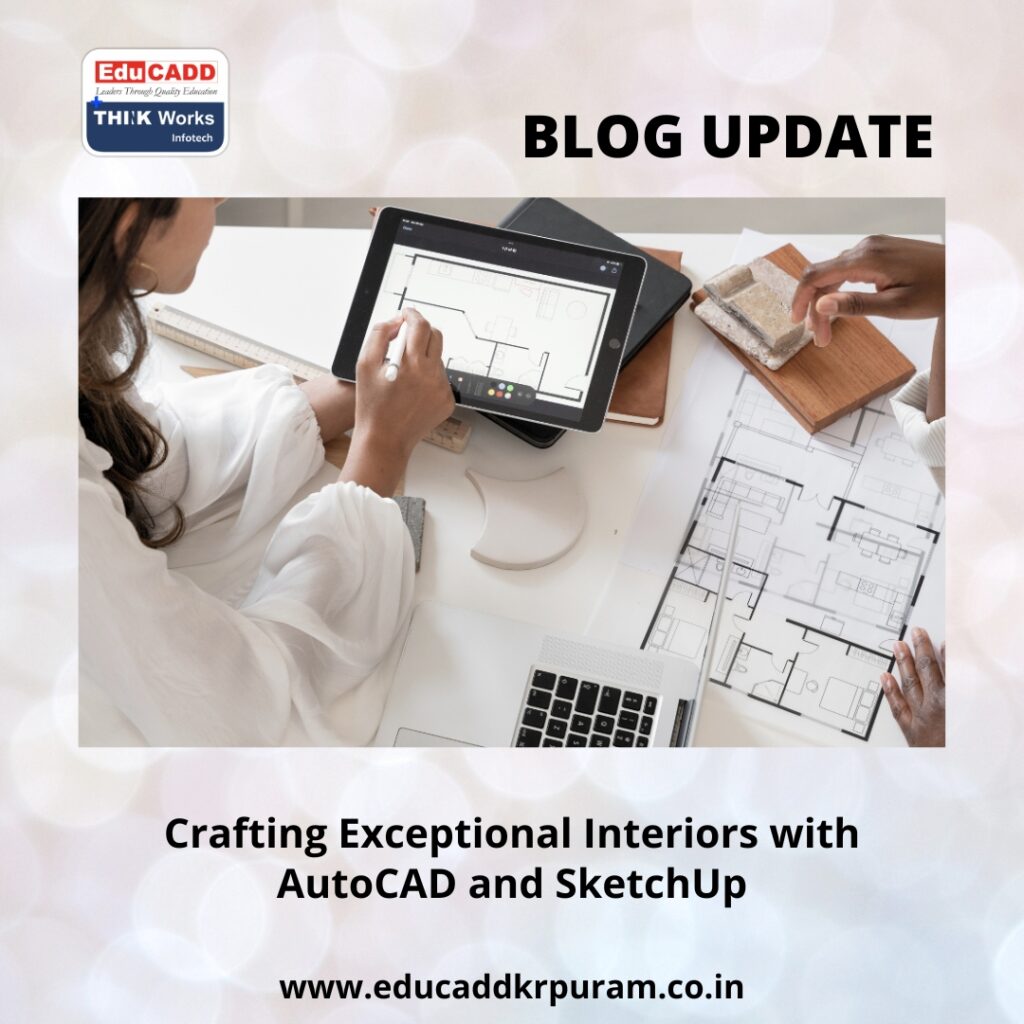
AutoCAD SketchUp Interior Design
Choosing to AutoCAD SketchUp Interior Design empowers professionals and students alike to create precise, functional, and visually appealing interiors. This blog explores why these tools are essential, how they complement each other, and the steps to effectively integrate them into your design workflow.
Why Interior Designers Need AutoCAD and SketchUp
Digital tools have revolutionized the interior design process. They offer accuracy, flexibility, and visualization that manual methods cannot match.
-
Precision Planning: AutoCAD ensures every measurement is exact, eliminating costly errors.
-
Realistic Visualization: SketchUp provides 3D models that let clients experience their future space virtually.
-
Time Efficiency: Revisions, layout experiments, and material trials can be executed rapidly.
-
Enhanced Client Engagement: Interactive designs increase client confidence and decision-making speed.
Integrating AutoCAD and SketchUp is no longer optional—it is crucial for delivering professional-grade interior projects.
AutoCAD: The Backbone of Interior Design Plans
AutoCAD is essential for creating accurate, detailed layouts that form the foundation of any interior project.
Advantages of AutoCAD for Interiors
-
Accurate Floor Plans: Design rooms with precise dimensions and layouts.
-
Optimized Space Usage: Experiment with furniture arrangements and circulation flows.
-
Professional Construction Documents: Prepare detailed plans for contractors and engineers.
-
Reusable Libraries: Store commonly used objects like doors, windows, and furniture.
-
Integration Capabilities: Export designs to SketchUp for further 3D modeling.
Practical Uses
-
Creating detailed bedroom, kitchen, and living room layouts.
-
Designing lighting and ceiling plans.
-
Preparing joinery and furniture specifications.
-
Developing interior elevations and sectional views.
AutoCAD ensures every design is both creative and technically accurate.
SketchUp: Bringing Interior Designs to Life
While AutoCAD excels at precision, SketchUp allows designers to transform 2D plans into immersive 3D experiences.
Benefits of SketchUp in Interior Design
-
User-Friendly Interface: Beginners can quickly create detailed 3D models.
-
Visual Realism: Rendering plugins make designs look almost photographic.
-
Material and Texture Libraries: Experiment freely with colors, fabrics, and finishes.
-
Interactive Walkthroughs: Clients can explore spaces virtually before construction.
-
Flexible Applications: Perfect for homes, offices, retail spaces, and more.
How SketchUp Enhances Projects
-
Testing different color schemes and flooring options.
-
Planning furniture placement for optimal flow.
-
Visualizing lighting and shadow effects.
-
Producing client-ready presentation boards.
Together, AutoCAD and SketchUp bridge the gap between technical accuracy and creative visualization.
A Structured Approach to Learning AutoCAD & SketchUp
Learning both tools effectively requires a step-by-step strategy:
Step 1: Begin with AutoCAD Basics
-
Familiarize yourself with the interface and tools.
-
Practice drawing lines, circles, and simple shapes.
-
Learn dimensioning, scaling, and floor plan creation.
Step 2: Advance AutoCAD Skills
-
Work with layers, blocks, and annotations.
-
Develop elevations, sections, and construction documents.
-
Optimize layouts for real-world projects.
Step 3: Explore SketchUp Fundamentals
-
Create basic 3D shapes and models.
-
Practice extrusion with the push-pull tool.
-
Learn grouping and component creation.
Step 4: Advance SketchUp Visualization
-
Apply materials, textures, and finishes.
-
Import furniture from 3D Warehouse.
-
Use rendering plugins for realistic lighting and shadows.
Step 5: Apply Skills on Real Projects
-
Design a room in AutoCAD and export it to SketchUp.
-
Add textures, furniture, and lighting to create a client-ready presentation.
-
Experiment and refine until the design meets both aesthetic and functional needs.
Following this structured approach ensures you can effectively learn AutoCAD & SketchUp for interior design projects and apply these skills professionally.
The Future of Interior Design with Digital Tools
The future of interior design is digital, collaborative, and efficient. AutoCAD and SketchUp are at the heart of this transformation.
-
Sustainable Design: Accurately calculate materials and reduce waste.
-
Virtual Reality Integration: Bring designs to life through immersive client experiences.
-
Remote Collaboration: Share and modify designs with clients and contractors worldwide.
-
Professional Advantage: Designers with these skills enjoy better opportunities, credibility, and client trust.
Mastering these tools not only improves your current projects but also positions you for long-term success in a competitive industry.
Conclusion
Interior design blends creativity with technical precision. By choosing to AutoCAD SketchUp Interior Design, you gain the ability to plan, visualize, and execute designs with confidence. AutoCAD provides accurate technical drawings, while SketchUp transforms those drawings into visually compelling 3D models.
Investing time in mastering these tools empowers you to deliver innovative, efficient, and client-ready interior solutions. In a rapidly evolving industry, designers who embrace digital tools are the ones shaping the future of interior spaces.

