
Precision in Electrical Design: AutoCAD Solutions for Lighting and Power Layouts
Accurate electrical planning is critical for any building project. Proper lighting and power layouts ensure functionality, safety, and efficiency. Traditional drafting methods are often time-consuming and prone to errors. Electrical Design AutoCAD Solutions offers a modern solution, enabling designers to create precise, reliable, and intelligent electrical plans. This blog explores its capabilities, benefits, and practical applications for engineers, architects, and contractors.
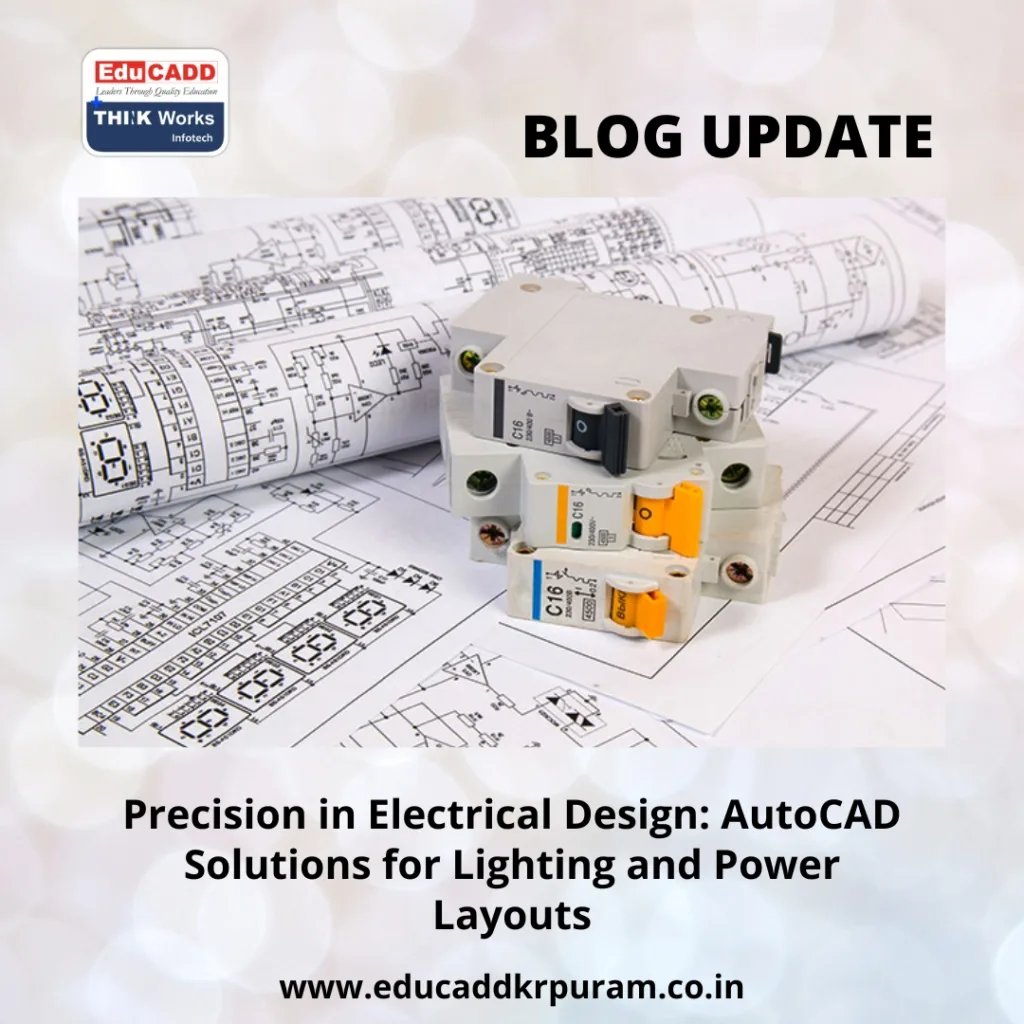
Electrical Design AutoCAD Solutions
Why Accurate Electrical Layouts Matter
Electrical systems form the backbone of any building. A poorly designed system can lead to frequent failures, safety hazards, or energy inefficiencies. Lighting layouts impact visibility, aesthetics, and energy consumption, while power layouts ensure smooth electricity distribution for equipment and appliances.
Using AutoCAD Electrical for Lighting and Power Layouts, designers can minimize errors and reduce on-site rework. The software provides real-time validation of circuits, automatic numbering, and extensive symbol libraries. These features allow teams to coordinate efficiently across architectural, mechanical, and electrical disciplines.
Accurate layouts also facilitate smoother project approvals, adherence to safety codes, and optimized resource utilization. By integrating automation and intelligent tools, AutoCAD Electrical transforms traditional drafting into a precise, professional workflow.
Key Features of AutoCAD Electrical
AutoCAD Electrical extends beyond conventional CAD software, offering specific functionalities for electrical design:
-
Extensive Symbol Libraries: Preloaded icons for switches, outlets, lighting fixtures, and circuit breakers accelerate drawing creation.
-
Automated Circuit Routing: Wire paths and numbering are handled automatically, ensuring consistent accuracy across the design.
-
Error Detection: Missing connections, duplicate tags, and open circuits are flagged instantly, reducing costly mistakes.
-
Panel Layout Tools: Users can design distribution boards efficiently, managing circuit breakers and protective devices.
-
Interdisciplinary Integration: Works seamlessly with Revit and AutoCAD MEP for smooth collaboration across teams.
These capabilities make AutoCAD Electrical for Lighting and Power Layouts a reliable tool for complex projects, saving time while improving design quality.
Lighting Layout Design: Efficiency Meets Aesthetics
Lighting is essential for safety, productivity, and visual appeal. Effective lighting layouts balance natural and artificial sources, avoid dark zones, and optimize energy consumption.
With AutoCAD Electrical, designers can:
-
Accurately place fixtures using standardized symbols.
-
Plan logical circuits to prevent overloading.
-
Evaluate energy consumption and load distribution.
-
Generate reports, schedules, and material lists for construction teams.
For example, commercial spaces require zoning for task, ambient, and emergency lighting. AutoCAD Electrical ensures circuits are properly balanced and provides a detailed bill of materials for seamless implementation. By transitioning from manual drawings to automated layouts, designers improve clarity, reduce errors, and save significant time on large-scale projects.
Power Layouts: Reliable Distribution and Safety
Power layouts distribute electricity efficiently to all points of use. Poor planning can cause voltage drops, equipment failure, or safety hazards.
Using AutoCAD Electrical for Lighting and Power Layouts, engineers can:
-
Perform load calculations to ensure circuits can handle required capacity.
-
Route cables efficiently while avoiding conflicts with other systems.
-
Organize panel schedules for breakers and protective devices.
-
Simulate real-world power flow to validate system reliability.
Industrial projects, in particular, benefit from redundancy planning, backup circuits, and safety checks. AutoCAD Electrical ensures power layouts are safe, compliant, and energy-efficient, minimizing risks and maintenance costs over the building’s lifespan.
Advancing Electrical Design with Modern Tools
The future of electrical design lies in efficiency, sustainability, and smart integration. AutoCAD Electrical supports these goals through:
-
Sustainable Design: Optimizes layouts for energy efficiency and reduced consumption.
-
Smart System Documentation: Supports IoT-enabled lighting and power networks.
-
BIM Compatibility: Integrates with building information models to maintain consistency across disciplines.
-
Automation Features: Future updates are enhancing predictive layout design and AI-assisted optimization.
Designers using AutoCAD Electrical are not just creating drawings—they are shaping intelligent, safe, and sustainable electrical systems.
Conclusion
Electrical design demands precision, efficiency, and foresight. Electrical Design AutoCAD Solutions provides the tools to achieve all three. From automated circuit design to intelligent lighting and power layouts, it simplifies complex tasks, improves collaboration, and ensures compliance with safety standards.
For engineers and designers, adopting this software means faster delivery, reduced errors, and future-ready electrical plans. Accurate electrical layouts not only improve construction efficiency but also contribute to safer, more energy-efficient buildings. With AutoCAD Electrical, the path to professional-grade electrical design is clear, reliable, and smart.

