
Revolutionizing Architecture with Parametric Design in Revit
Architecture is evolving faster than ever. The demand for smarter, more efficient, and flexible building designs has changed the way architects approach projects. Traditional methods, which relied heavily on static plans and repetitive modeling, can no longer meet modern requirements. Parametric design is now at the forefront of this transformation. Parametric Design Revit Architecture to create models where every element reacts intelligently to changes. Instead of manually adjusting each component, architects define rules and relationships. When one element changes, all connected elements update automatically, saving time and reducing errors. Revit, a leading BIM software, enables architects to leverage parametric workflows effectively.
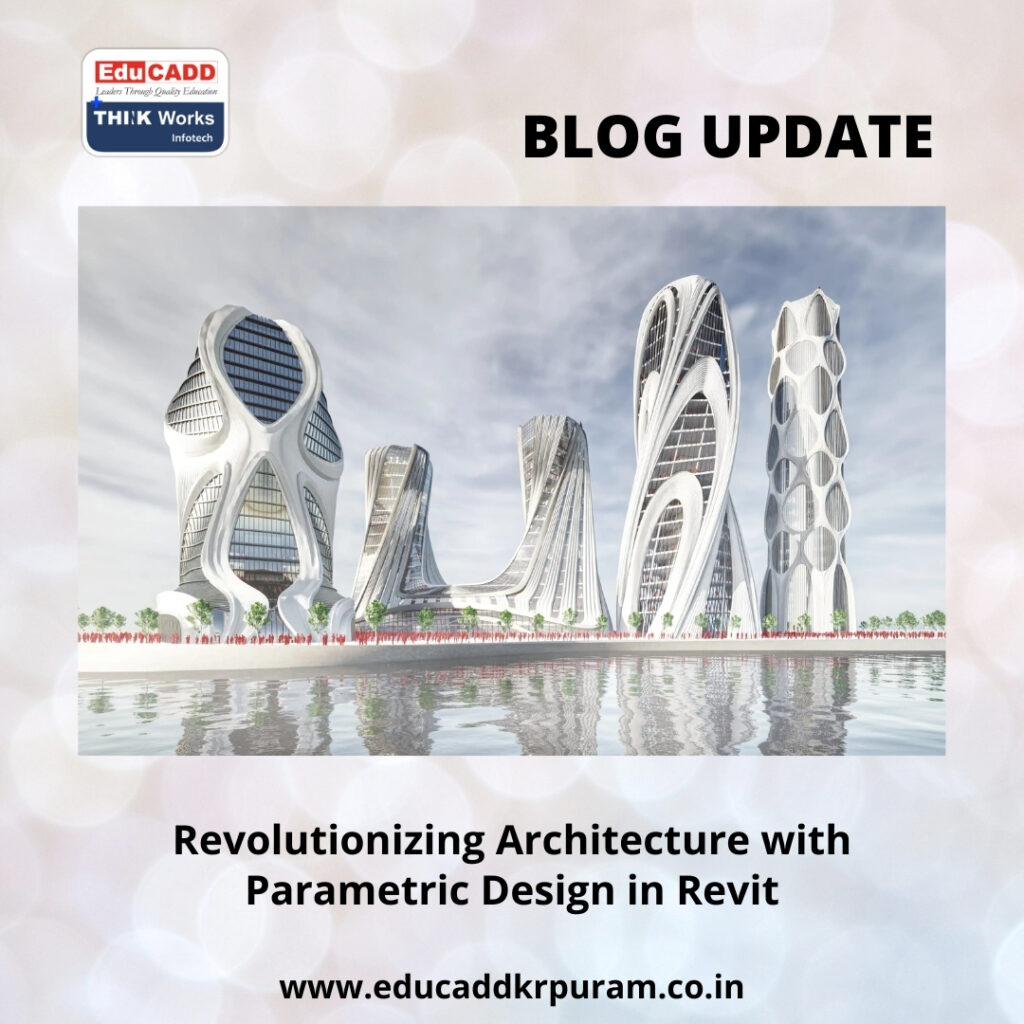
Parametric Design Revit Architecture
This blog explores how parametric design in Revit is reshaping architectural practices. It highlights key concepts, practical applications, and career advantages for architects. If you want to excel in modern architecture, mastering parametric design is no longer optional—it is essential.
1. Understanding the Core of Parametric Design
Parametric design is built on the principle of relationships and rules rather than fixed dimensions. Architects define parameters such as height, width, material, alignment, or spacing. Once these parameters are linked to design elements, changes propagate automatically throughout the model.
This system allows architects to experiment freely without fear of making errors. For instance, changing the floor height automatically adjusts walls, ceilings, and window placements. Parametric design also allows multiple iterations of a project to be tested quickly, enhancing creativity while maintaining control.
In Revit, these principles are embedded at the heart of every object, making it an ideal platform for parametric workflows.
2. Why Revit Is the Ultimate Tool for Parametric Workflows
Revit is more than a drafting tool; it is a parametric design environment. Every object in Revit has inherent intelligence and responds to defined rules. Walls know their base and top levels, doors know the walls they belong to, and floors recognize their levels.
All views—including plans, elevations, and sections—are linked to a single model. As a result, modifications in one view automatically reflect across the entire project. This coordination reduces errors and ensures design consistency.
For architects, Revit transforms parametric design from a theoretical concept into a practical, manageable workflow.
3. Key Concepts Architects Must Master
Parametric design revolves around three key concepts: parameters, constraints, and reference planes. Parameters define variable attributes. Constraints control how elements relate. Reference planes act as invisible guides for geometry.
Mastering these concepts allows architects to create models that are flexible and predictable. Without a clear understanding, models can become chaotic and difficult to manage. Revit provides intuitive tools to apply these concepts effectively, enabling architects to maintain precision throughout complex projects.
4. Harnessing the Power of Parameters
Parameters are the backbone of parametric design in Revit. They control geometry, dimensions, materials, visibility, and even data-driven behaviors. Revit uses two types of parameters: instance parameters, which affect individual elements, and type parameters, which affect all similar elements.
By carefully defining parameters, architects can create adaptable models. For example, a single window family can represent multiple sizes, materials, or configurations. Parameters also allow for easy project updates and improve collaboration across teams.
Clear and logical parameter naming is essential to maintain model organization and usability.
5. Parametric Families: Building Blocks of Efficient Design
Families in Revit are collections of elements with shared characteristics. Parametric families allow architects to create one base model and derive multiple variations without redundancy.
A parametric door, for instance, can adjust height, width, frame thickness, and material through parameters. This flexibility reduces the need for multiple separate files and simplifies revisions.
Mastering family creation is a cornerstone of parametric proficiency. It enables architects to maintain consistency, improve project performance, and accelerate the design process.
6. Constraints: Maintaining Design Integrity
Constraints define how elements interact with each other. They ensure spacing, alignment, and symmetry remain intact even when dimensions change.
For example, constraints can maintain equal distances between columns or lock windows to specific wall segments. When modifications occur, constraints prevent unintended distortion of the design.
Architects who understand constraint logic in Revit can create models that are robust, scalable, and easy to update.
7. Reference Planes: The Invisible Framework for Control
Reference planes are essential tools for parametric modeling. They act as invisible guides that define geometry placement, alignment, and relationships.
By attaching dimensions and parameters to reference planes, architects can create flexible and adaptable families. Reference planes also help separate control logic from visible geometry, keeping models organized and easy to navigate.
In parametric workflows, reference planes provide the backbone for precise, predictable, and responsive design elements.
8. Using Formulas to Automate Design Adjustments
Formulas introduce a higher level of intelligence to parametric models. They allow architects to define mathematical relationships between elements.
For instance, stair riser heights can automatically calculate based on total floor height. Window sill heights can adjust based on room types. Formulas reduce manual calculation errors and maintain compliance with design standards.
When applied effectively, formulas streamline complex design tasks and improve overall project efficiency.
9. Parametric Facades and Adaptive Building Envelopes
Modern architecture often features intricate facade systems with repeating patterns or performance-based designs. Parametric tools simplify these complexities by linking elements to rules and parameters.
Architects can control panel dimensions, shading devices, and window placements dynamically. This capability allows them to test multiple design options and optimize both aesthetics and functionality.
Revit supports adaptive components and curtain systems that respond intelligently to parametric inputs, making facade design both innovative and manageable.
10. Interior Architecture and Responsive Space Planning
Parametric Design Revit Architecture extend to interior architecture as well. Furniture layouts, partitions, and ceiling systems can adapt automatically to spatial requirements.
For example, parametric furniture families can resize based on room dimensions, or partitions can adjust according to occupancy limits. These adaptive models save significant time during design revisions and ensure alignment between architectural and interior teams.
The result is flexible, efficient, and well-coordinated interior spaces.
11. Data-Driven Schedules and Quantities
Parametric design in Revit is not limited to geometry—it also drives project data. Parameters populate schedules, quantities, and reports automatically.
As elements change, associated data updates in real-time. This functionality improves accuracy in cost estimation, material planning, and project management.
Parametric-driven schedules save hours of manual work and provide clients and stakeholders with reliable, up-to-date information.
12. Collaboration and Coordination Across Teams
Parametric models enhance collaboration across architectural, structural, and MEP disciplines. Linked models respond automatically to parameter changes, reducing clashes and miscommunication.
Teams benefit from a shared, intelligent design environment that reflects decisions instantly. This seamless coordination shortens project timelines and ensures higher quality outcomes.
Parametric design transforms Revit into a collaborative hub rather than a standalone modeling tool.
13. Common Challenges and Best Practices
Beginners often overcomplicate parametric models, creating excessive parameters or poorly defined constraints. This can lead to slow performance and confusion.
The solution is simplicity: use only necessary parameters, apply clear naming conventions, and maintain logical organization. Regular review and testing of families prevent errors and improve reliability.
Following best practices ensures long-term efficiency and sustainable parametric workflows.
14. Advancing Your Career Through Parametric Expertise
Mastering parametric design in Revit significantly enhances professional value. Architects with this expertise can manage complex BIM models, create flexible workflows, and adapt quickly to technological advancements.
These skills open doors to advanced design positions, BIM coordination roles, and leadership opportunities in digital construction. Parametric proficiency is no longer optional—it is a key differentiator in the modern architectural landscape.
Conclusion
Parametric Design Revit Architecture has redefined how architects conceptualize, model, and deliver projects. It replaces static, repetitive workflows with adaptive, intelligent systems.
By learning parametric principles, mastering families, applying constraints, and leveraging formulas, architects create designs that respond efficiently to change. Projects become faster, more accurate, and highly coordinated.
Embracing parametric workflows ensures architects remain competitive and future-ready, shaping buildings that are not only visually stunning but also smart, sustainable, and adaptable.

