
Transforming Project Management: Learn to Create Project Dashboards with Primavera
Managing projects has never been easy. Every project, no matter its size, involves multiple tasks, strict deadlines, varying budgets, and different stakeholders. Without a clear overview, managers often struggle to keep everything aligned. Traditional reports can be slow, outdated, and sometimes even misleading. That is why Primavera Project Dashboard Creation have become essential in modern project management.
When you learn to create project dashboards with Primavera, you unlock a smarter way of working. Dashboards give you live updates, real-time data visualization, and quick insights that drive decisions. They help you monitor costs, schedules, risks, and resources on one screen. Instead of juggling several reports, you get one powerful view that keeps you in control.
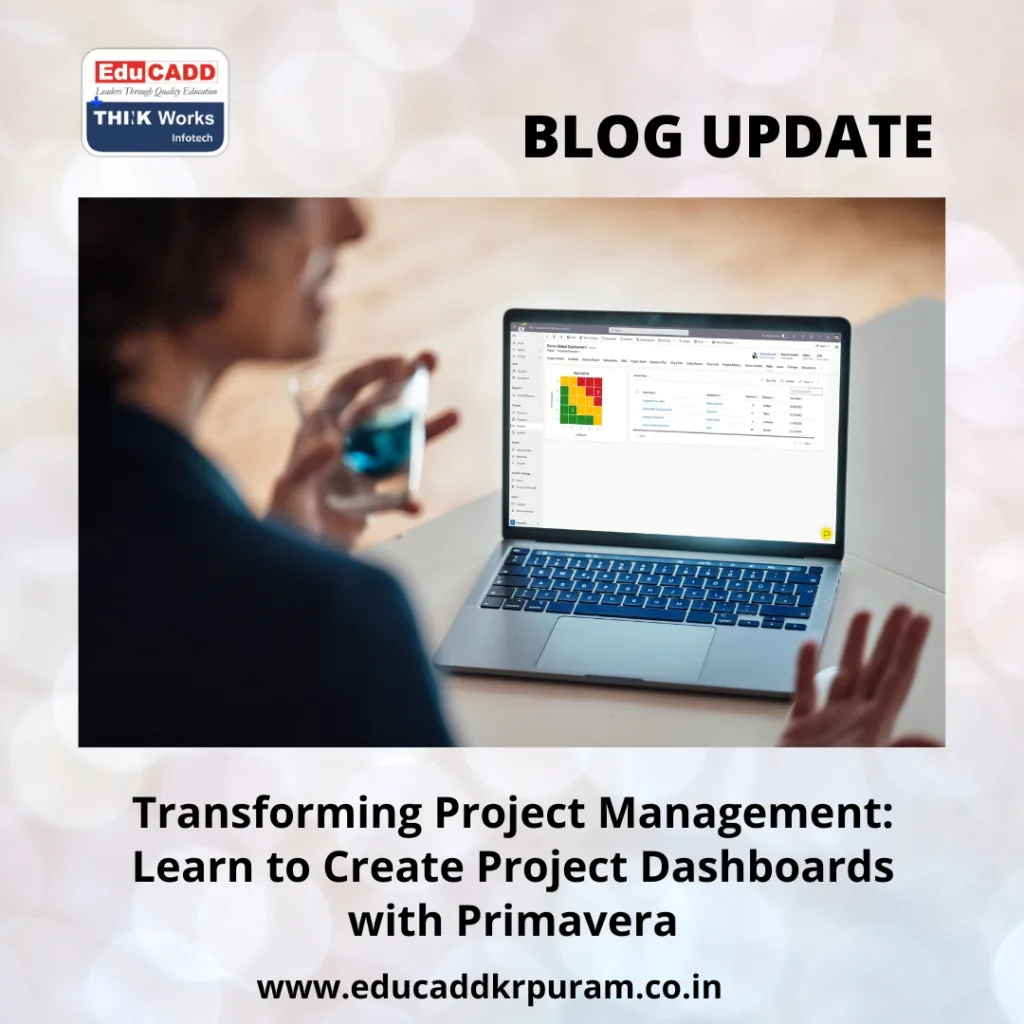
Primavera Project Dashboard Creation
This blog will guide you through why Primavera dashboards are important, what features make them unique, how to create them step by step, the best practices to follow, and how dashboards will evolve in the future. By the end, you’ll understand not only how to build dashboards but also how to use them to lead projects with confidence.
Why Learning to Primavera Project Dashboard Creation Matters
In today’s world, projects generate data at an overwhelming rate. From task progress reports to labor hours and cost estimates, managers receive countless updates daily. If this data is spread across files, emails, and sheets, it becomes difficult to get a complete picture. That’s where dashboards prove invaluable.
By learning to create project dashboards with Primavera, managers and teams gain a competitive edge. Here’s why:
-
Real-time insights: Dashboards show live updates instead of static weekly reports.
-
Clear communication: Instead of long emails, dashboards provide simple, visual summaries.
-
Faster decisions: Data highlights issues quickly, allowing managers to take action.
-
Accurate monitoring: You can check budgets, deadlines, and risks in one place.
-
Better resource control: Over-allocated or underused resources are easy to identify.
With dashboards, teams avoid confusion and stakeholders get transparent updates. In industries like construction, IT, energy, and manufacturing—where time and costs are critical—Primavera dashboards help managers keep projects on track.
Transitioning from scattered reports to interactive dashboards saves time, increases accuracy, and boosts confidence among clients and executives. That’s why learning to create project dashboards with Primavera is no longer optional; it’s a professional necessity.
Key Features of Primavera Dashboards
Before you start creating dashboards, it’s important to understand what Primavera offers. Oracle Primavera P6 is not just another project tool—it’s designed for managing complex projects across industries. Its dashboard features stand out because they combine flexibility, interactivity, and accuracy.
Here are the main features that make dashboards in Primavera so powerful:
1. Customizable Widgets
Primavera dashboards are built using widgets. Each widget highlights one aspect of the project, such as cost, schedule variance, or resource use. You can arrange them in layouts that match your project goals.
2. Portfolio Dashboards
Managers often handle more than one project. Primavera allows portfolio dashboards, where you can track the progress of several projects together. This feature is especially useful for organizations with large-scale operations.
3. Interactive Visuals
Instead of relying on static data, Primavera dashboards use charts, graphs, and tables. These visuals allow you to drill down into details. For example, a cost overrun chart can show you which task caused the issue.
4. Live Data Updates
As team members update their activities, dashboards refresh automatically. This ensures your data is always current and trustworthy.
5. Role-Specific Views
Different people need different details. Executives may only need summaries, while engineers require task-level insights. Primavera allows dashboards to be role-specific, ensuring the right data reaches the right audience.
These features prove that Primavera dashboards are more than just reporting tools. They act as real-time monitoring systems that give you complete project visibility.
Step-by-Step Guide: Learn to Primavera Project Dashboard Creation
Creating dashboards in Primavera may seem complex, but when you follow a structured approach, the process becomes simple. Below is a practical step-by-step guide:
Step 1: Define the Objective
Every dashboard should serve a clear purpose. Are you building one for executives who want a high-level overview, or for project teams who need detailed task updates? Setting this objective ensures relevance.
Step 2: Choose Key Performance Indicators (KPIs)
Not all data belongs on a dashboard. Focus only on critical KPIs. Examples include:
-
Planned vs. actual costs
-
Task completion percentages
-
Critical path delays
-
Resource allocation levels
Step 3: Access the Dashboard Module
Log into Primavera P6 and go to the dashboard section. From here, you can create a new dashboard or edit an existing one.
Step 4: Select Widgets
Pick widgets that align with your KPIs. For example, a cost performance chart, a schedule status tracker, and a resource usage histogram.
Step 5: Arrange the Layout
Organize widgets in a logical sequence. Place high-priority information at the top and supporting details below.
Step 6: Apply Filters
Dashboards can be filtered by time frame, project, or activity type. For instance, you can set the dashboard to show only tasks for the next two weeks.
Step 7: Save and Share
Once your dashboard is ready, save it. Primavera lets you share dashboards with different stakeholders. Access can be controlled based on roles.
Step 8: Monitor and Update
A dashboard is not permanent. Review it regularly and update widgets or filters as the project evolves.
By following these steps, you’ll easily learn to create project dashboards with Primavera and design them to meet your specific needs.
Best Practices for Effective Primavera Dashboards
Building dashboards is just the beginning. To make them truly effective, follow these tried-and-tested practices:
1. Keep It Simple
Too much data confuses users. Limit dashboards to the 5–7 most important KPIs.
2. Use Visuals Wisely
Graphs, pie charts, and color codes are more effective than plain text. Use visuals to make information instantly understandable.
3. Customize for Your Audience
Executives, project managers, and engineers each have different needs. Design dashboards tailored to their roles.
4. Focus on Actionable Insights
A dashboard should do more than present data—it should highlight what needs attention. For example, use alerts to flag delays or over-allocations.
5. Ensure Data Accuracy
Dashboards are only as reliable as the data behind them. Encourage teams to update Primavera regularly.
6. Review Regularly
As projects progress, your focus may shift. Keep dashboards aligned with current goals.
These practices ensure your dashboards remain not just informative but also decision-focused.
The Future of Dashboards in Primavera
Dashboards will continue to evolve, and by learning to create project dashboards with Primavera today, you prepare yourself for tomorrow’s advancements. Here are some future trends:
-
Artificial Intelligence: AI will help predict risks before they occur.
-
Cloud Platforms: Dashboards will become more accessible from anywhere in the world.
-
Mobile Access: Managers will check project dashboards from smartphones and tablets.
-
Collaboration Features: Integration with tools like Slack or Teams will enhance teamwork.
-
Automation: Dashboards may suggest corrective actions instead of just reporting problems.
By staying ahead, you’ll ensure your skills remain relevant as technology reshapes project management.
Conclusion
In the fast-changing world of project management, traditional reporting is no longer enough. Clear, real-time insights are essential, and dashboards provide exactly that. By taking the time to learn to create project dashboards with Primavera, you equip yourself with one of the most valuable skills in today’s professional world.
Primavera Project Dashboard Creation simplify complex data, improve communication, and help managers make proactive decisions. With features like customizable widgets, role-based views, and live updates, Primavera ensures that projects remain transparent and under control. By following the step-by-step guide and applying best practices, you can design dashboards that not only present information but also drive action.
The future holds even more promise with AI, cloud, and mobile-enabled dashboards. But the first step is clear: master the art of creating dashboards in Primavera today. Once you do, project management becomes less about chasing updates and more about leading teams to success.

