
Transforming Interior Spaces with SketchUp: The Ultimate Guide to Visualization
In the modern era of SketchUp Interior Visualization Guide is no longer an optional tool—it is an essential part of the creative and planning process. Clients now expect to experience the proposed design before any physical work begins. SketchUp has become one of the most popular 3D modeling tools for interior designers, offering a platform where abstract ideas can transform into tangible, immersive spaces. This blog explores the comprehensive use of SketchUp for interior design visualization, detailing how it improves design accuracy, enhances client communication, and streamlines project workflows from concept to completion.
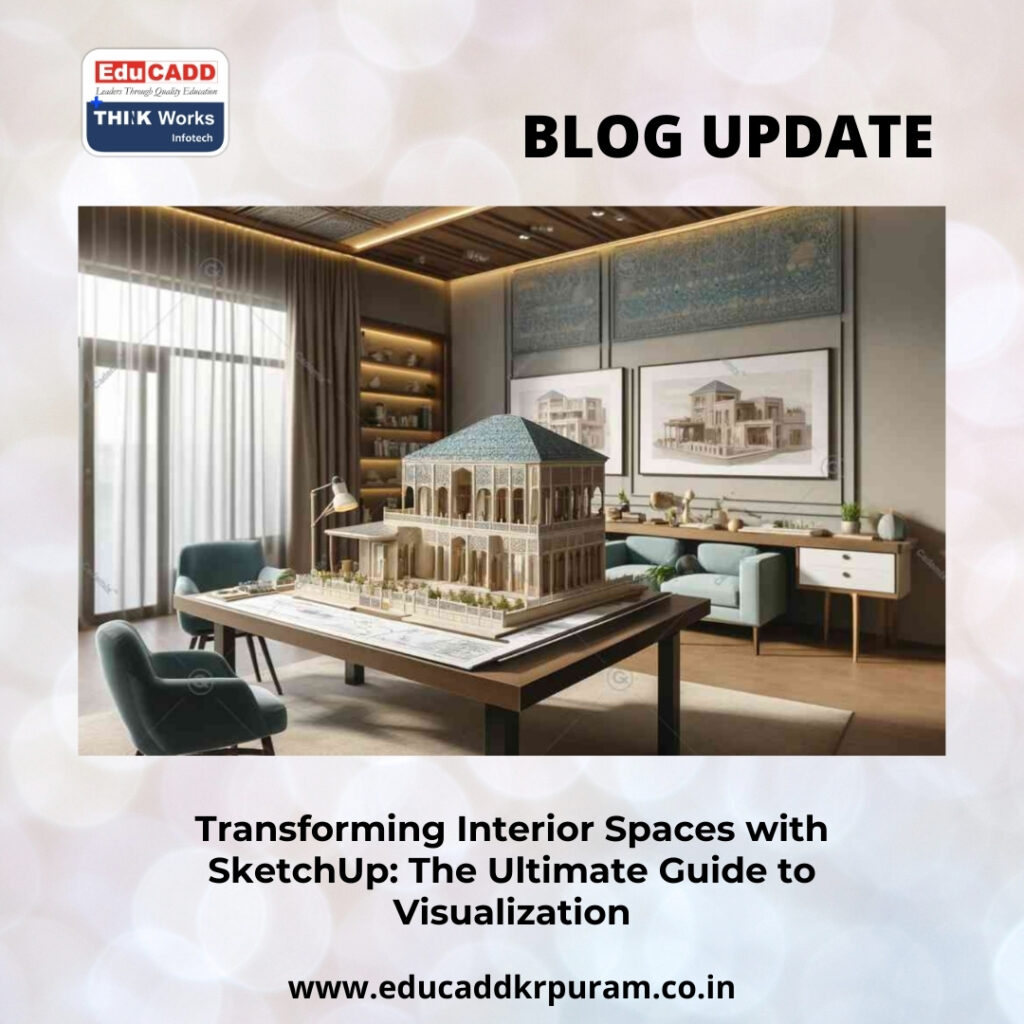
SketchUp Interior Visualization Guide
SketchUp allows designers to conceptualize, model, and refine interiors with unmatched flexibility. From the initial brainstorming of layouts to creating photorealistic renderings, SketchUp serves as a bridge between imagination and reality. This guide delves into the tools, techniques, and strategies interior designers can use to leverage SketchUp fully, ensuring designs are both aesthetically compelling and technically precise.
The Role of 3D Visualization in Interior Design
Three-dimensional visualization has revolutionized interior design by enabling designers to convey spatial relationships, material choices, and lighting scenarios effectively. Unlike traditional 2D drawings, 3D models provide an intuitive understanding of how a space functions and feels.
With SketchUp, designers can manipulate every aspect of the space—from walls and ceilings to furniture and décor—interactively. The software allows users to orbit, pan, and walk through rooms, making it easier to evaluate scale, proportion, and flow. This hands-on experience not only aids designers in decision-making but also helps clients visualize their future spaces clearly, reducing misunderstandings and revisions.
Why SketchUp Stands Out for Interior Designers
SketchUp Interior Visualization Guide simplicity with professional-grade functionality, making it ideal for both novices and experienced designers. Its user-friendly interface allows for quick learning, while advanced tools support highly detailed modeling.
Designers benefit from the ability to make rapid adjustments to layouts, materials, and dimensions. SketchUp also integrates with various rendering and visualization software, allowing for photorealistic presentations that communicate design intent with precision. This adaptability makes SketchUp indispensable in fast-paced projects where client expectations and design requirements are constantly evolving.
Conceptualization and Space Planning
During the early design stages, space planning and conceptual layouts are critical. SketchUp allows designers to create basic massing models, define room dimensions, and outline functional zones. This stage forms the foundation for all subsequent design work.
By using SketchUp, designers can experiment with multiple furniture arrangements, circulation paths, and spatial configurations without starting from scratch each time. The flexibility to test and iterate different options fosters creativity and ensures that both functionality and aesthetics are optimized before moving into detailed design development.
Creating Detailed Interior Models
Once the concept is approved, designers move into detailed modeling. SketchUp offers robust tools to create accurate representations of all interior elements, including furniture, cabinetry, lighting, and decorative features.
Using layers and tags, designers can organize complex models for easier management and modification. This organization allows designers to focus on specific areas, making adjustments without disrupting the overall model. The precision of SketchUp ensures that every element is accurately placed, which helps reduce errors during the construction or implementation phase.
Applying Materials and Textures
Materials and finishes define the aesthetic and tactile quality of interior spaces. SketchUp allows designers to apply textures and materials to all surfaces within a model. High-resolution textures can simulate real-world materials like marble, wood, fabric, and metals, giving clients a realistic preview of the final space.
The software also provides control over material properties, including scale, orientation, and transparency, which ensures accurate representation of finishes. By visualizing these elements digitally, designers can make informed choices and align client expectations with the final design outcome.
Lighting and Shadow Analysis
Lighting is fundamental to interior design, affecting mood, visibility, and overall ambiance. SketchUp includes sun and shadow tools that simulate natural light, helping designers understand how daylight interacts with spaces throughout the day.
Artificial lighting can also be modeled, and with rendering plugins, designers can visualize light intensity, color temperature, and reflections. This analysis allows for better planning of both natural and artificial lighting, ensuring that interior spaces are functional, comfortable, and visually pleasing.
Enhancing Visualization with Extensions
SketchUp’s extensive library of extensions and plugins greatly enhances its modeling and visualization capabilities. Interior designers can access pre-built furniture libraries, parametric tools, and animation extensions to accelerate the design process.
Rendering plugins such as V-Ray, Enscape, and Lumion allow designers to produce photorealistic images and immersive walkthroughs directly from SketchUp models. These tools elevate presentations, helping clients experience spaces with realism and interactivity, while also increasing the professional quality of the final deliverables.
Producing Photorealistic Renders
Photorealistic rendering is essential for conveying a convincing representation of interior spaces. By combining accurate models with high-quality textures and lighting simulations, SketchUp Interior Visualization Guide that closely resemble the completed space.
These renders help reduce miscommunication with clients and contractors, streamline approvals, and serve as marketing assets. High-quality visualization ensures that design concepts are communicated clearly, leaving little room for ambiguity and building client trust in the designer’s vision.
Virtual Walkthroughs and Client Engagement
Creating interactive walkthroughs adds a dynamic dimension to interior visualization. SketchUp allows designers to animate movements through the space, giving clients a virtual experience that static images cannot provide.
Walkthroughs enable clients to understand spatial relationships, furniture layout, and circulation paths intuitively. They also allow designers to identify potential design issues early, saving time and reducing costs. This immersive approach increases client engagement and satisfaction while enhancing the overall design presentation.
Collaboration and Integrated Workflow
Interior design projects often involve multiple stakeholders, including architects, engineers, and contractors. SketchUp facilitates collaboration by supporting multiple file formats and cloud-based sharing options.
Teams can work on the same model in real time, track changes, and provide instant feedback. This integration improves workflow efficiency, reduces errors, and ensures that all project participants are aligned, resulting in smoother project execution and better overall outcomes.
Cost Estimation and Accuracy
Accurate visualization has a direct impact on budgeting and project feasibility. SketchUp models allow designers to extract measurable data, such as floor areas, volumes, and material quantities, enabling precise cost estimation.
By reducing design errors and unforeseen changes during construction, SketchUp helps maintain budgetary control and project timelines. Clients gain confidence knowing that the proposed design is both aesthetically appealing and financially feasible, making SketchUp a practical tool as well as a creative one.
Educational and Professional Relevance
SketchUp is widely adopted in interior design education, allowing students to develop spatial reasoning, modeling proficiency, and visualization skills. It bridges the gap between conceptual learning and practical application.
Professionally, SketchUp is scalable and suitable for freelancers, small studios, and large firms. Its adaptability and comprehensive toolset make it a reliable solution for diverse project types and scales, ensuring its relevance in both educational and professional contexts.
Emerging Trends and Future Prospects
The future of interior visualization is increasingly focused on realism, interactivity, and technology integration. SketchUp is evolving to meet these demands, offering improved rendering capabilities, cloud-based collaboration, and compatibility with VR and AR platforms.
Virtual and augmented reality allow clients to immerse themselves in interior designs, providing a next-level experience that enhances engagement and decision-making. As technology progresses, SketchUp remains at the forefront, empowering interior designers to create visually stunning and functionally precise spaces.
Conclusion
SketchUp Interior Visualization Guide by bridging creativity and technical precision. It allows designers to develop concepts, model detailed interiors, simulate lighting, and produce photorealistic visualizations that accurately convey design intent.
By harnessing SketchUp’s tools, extensions, and rendering capabilities, interior designers can create immersive, accurate, and visually compelling spaces. It enhances client communication, streamlines workflows, and ensures that designs are both innovative and practical. Mastery of SketchUp is now essential for interior designers aiming to deliver exceptional, future-ready interiors that inspire and satisfy clients.

