
Designs in Motion: How SolidWorks Simulation Transforms Engineering Analysis
In the competitive world of modern engineering, creating a product that looks perfect on screen is no longer enough. True innovation lies in predicting how a design behaves when it’s in motion — how gears rotate, levers move, and assemblies perform under real-world forces. This is where SolidWorks Motion Simulation becomes a vital part of the design process.
SolidWorks goes beyond static modeling by adding physics-based intelligence. Engineers can visualize motion, test mechanical performance, and predict outcomes long before building a prototype. From intricate robotics to massive industrial machinery, Motion Analysis gives life to digital designs — helping teams perfect movement, efficiency, and strength through simulation.
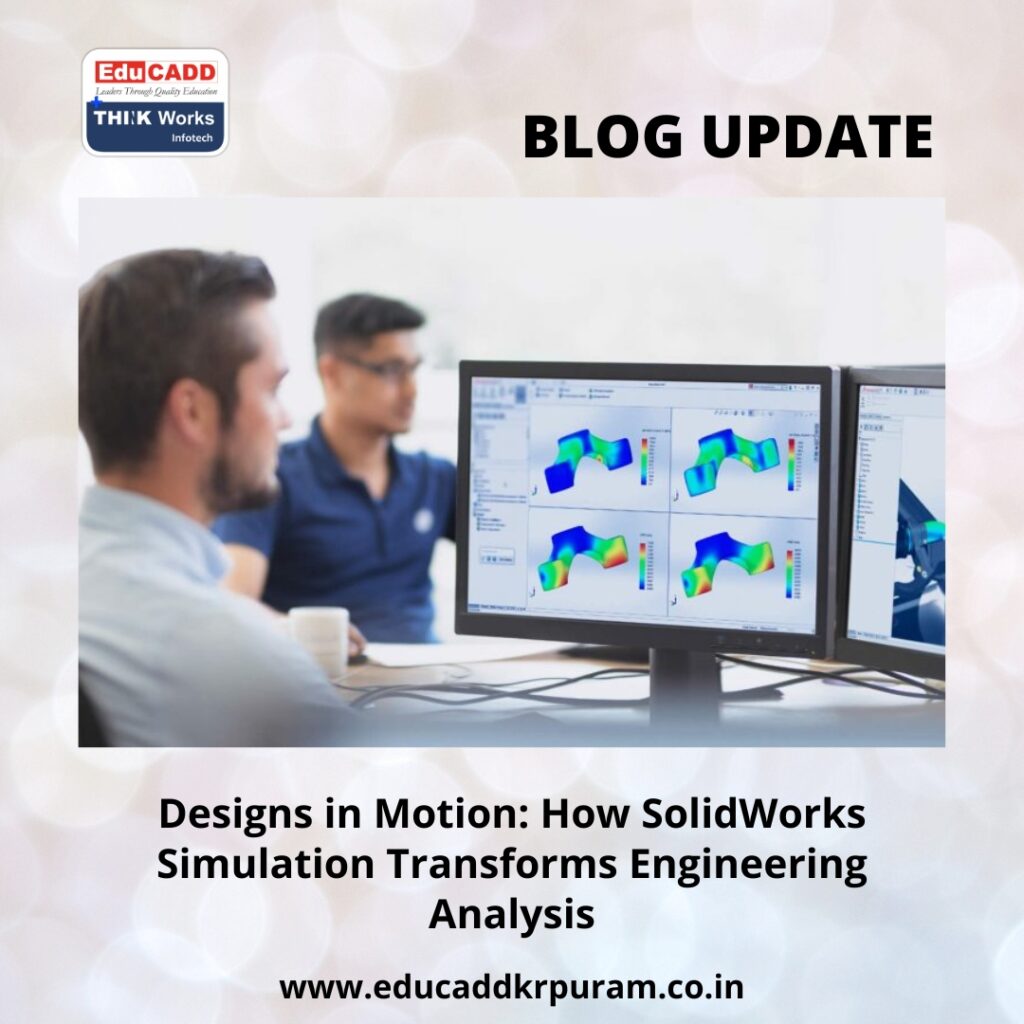
SolidWorks Motion Simulation
This detailed guide dives deep into the principles, techniques, and advantages of Motion Analysis in SolidWorks, showing how it has redefined the way engineers design and validate products.
1. Understanding Motion Analysis in SolidWorks Simulation
Motion Analysis in SolidWorks is a specialized tool that simulates the real movement of parts and assemblies under the influence of physical forces. Unlike simple animations that only display motion visually, this analysis calculates why and how components move — using actual physics equations to mimic real behavior.
The tool considers multiple parameters: mass, friction, inertia, damping, gravity, and applied forces. This allows engineers to understand how assemblies will perform when operational. Instead of relying on guesswork or physical trials, designers gain precise, measurable insights from digital models.
For example, imagine analyzing a conveyor belt system. Motion Analysis can reveal belt speed variations, torque distribution, and contact forces between rollers and loads. These insights allow you to improve power efficiency, reduce wear, and prevent system failures before manufacturing begins.
Key Highlights of Motion Analysis
-
Provides data-driven insights about real-world performance.
-
Detects motion errors or interferences early in the design phase.
-
Enables faster product development by reducing physical testing.
-
Helps achieve optimal motion flow and mechanical balance.
In essence, Motion Analysis with SolidWorks Simulation turns your CAD model into a digital laboratory — where movement, physics, and design work together.
2. The Science Behind Motion Analysis: Core Principles Explained
At the heart of SolidWorks Motion Simulation lies the science of mechanics. The software applies Newton’s laws of motion and rotational dynamics to calculate how assemblies behave under different conditions.
Each simulation solves complex equations to determine displacement, velocity, acceleration, and forces. These calculations make results accurate enough to guide real manufacturing decisions.
a. Types of Motion Studies
SolidWorks offers three levels of motion simulation:
-
Animation: Shows visual movement without physics — ideal for presentations.
-
Basic Motion: Adds simplified physical effects for quick approximations.
-
Motion Analysis: Delivers high-accuracy, physics-based simulations for real engineering validation.
Motion Analysis stands at the top of this hierarchy because it integrates material data, contact behavior, and dynamic loads to mirror real performance.
b. Essential Elements of Motion Analysis
To perform an accurate simulation, engineers must define several parameters:
-
Joints and Constraints: Determine how components connect or rotate.
-
Forces and Torques: Represent the physical loads acting on each part.
-
Material Properties: Affect inertia, strength, and movement resistance.
-
Contact Conditions: Simulate collisions, sliding, and friction.
-
Springs, Dampers, and Motors: Control and drive mechanical actions.
When these factors are properly configured, SolidWorks delivers motion results that match real-world behavior with remarkable precision.
c. Outputs You Can Measure
After running a simulation, SolidWorks provides detailed quantitative data:
-
Displacement, speed, and acceleration graphs
-
Torque, load, and reaction forces
-
Power and energy consumption
-
Points of mechanical stress or interference
These outputs guide engineers in refining designs for better motion performance, efficiency, and durability.
3. Real-World Applications: Where Motion Analysis Creates Impact
Across industries, Motion Analysis with SolidWorks Simulation has become indispensable. Whether designing consumer products or industrial systems, its ability to predict motion behavior transforms how engineers create and innovate.
a. Automotive and Mechanical Engineering
In automotive design, motion analysis is used to optimize suspensions, gear trains, and steering systems. By testing rotational behavior, load transfer, and frictional forces, engineers enhance vehicle safety, stability, and energy efficiency without building multiple prototypes.
b. Robotics and Industrial Automation
In robotics, precision motion defines success. SolidWorks Simulation enables engineers to analyze joint angles, actuator speed, and reach paths, ensuring each robotic arm or mechanism operates with flawless accuracy. It helps eliminate unwanted vibration and enhances cycle-time performance.
c. Aerospace Systems
Aircraft components — from landing gear to flap mechanisms — undergo complex movement under heavy loads. Motion Analysis helps predict fatigue points and mechanical stresses during dynamic operation, ensuring compliance with safety standards and improving reliability.
d. Consumer Product Design
Everyday products like foldable devices, adjustable furniture, or watches rely on precise mechanical motion. Simulation allows designers to evaluate hinge performance, snap fit forces, and motion durability, leading to smoother operation and longer lifespan.
e. Heavy Equipment and Industrial Machines
Motion Analysis allows manufacturers to test load handling, vibration patterns, and part interactions in cranes, conveyors, and automated systems. This reduces downtime, increases efficiency, and ensures machines run with minimal maintenance.
The versatility of SolidWorks Simulation makes it valuable in almost every design domain — from innovation labs to production plants.
4. Performing Motion Analysis: A Practical Step-by-Step Guide
Running a motion simulation in SolidWorks is a structured, straightforward process. Each step builds toward achieving realistic, reliable results that mirror real-world mechanics.
Step 1: Create or Import the Assembly
Begin by designing your model or importing a mechanical assembly. Ensure all mates are properly defined so that component relationships — like rotation, sliding, or fixed constraints — behave correctly.
Step 2: Open a Motion Study
Navigate to the Motion Study tab at the bottom of the SolidWorks interface. Select Motion Analysis as the study type to activate the advanced solver for physics-based simulation.
Step 3: Add Motion Drivers
Assign rotary or linear motors to components that initiate movement. Specify speed, direction, and duration. This step establishes how the model will move throughout the study.
Step 4: Apply Forces, Loads, and Gravity
Introduce physical effects such as gravity, torque, or external pressure. SolidWorks automatically calculates reactions between components based on the material and constraints.
Step 5: Define Contacts and Friction
Set up contact pairs for parts that touch or collide during motion. This ensures realistic interactions, like gears meshing or parts sliding against each other with friction.
Step 6: Run the Simulation
Click Calculate to let SolidWorks process all motion equations. The solver evaluates movement frame-by-frame, generating accurate data for analysis.
Step 7: Review the Results
After completion, view the animated simulation or analyze plots for velocity, displacement, acceleration, and forces. Identify any inefficiencies or interference between components.
Step 8: Optimize and Iterate
Adjust design parameters — like geometry, material, or force magnitude — to refine performance. Rerun the simulation until desired results are achieved.
By following this workflow, engineers can virtually prototype, test, and perfect motion behavior — saving weeks of physical testing and redesign.
5. Advantages and Future of Motion Analysis in Design
The integration of Motion Analysis with SolidWorks Simulation brings exceptional benefits to the product development cycle. It not only improves design accuracy but also enhances efficiency, collaboration, and innovation across teams.
a. Faster and Smarter Validation
Design validation becomes faster because engineers can predict motion outcomes early. Physical prototyping is reduced, saving both time and resources while improving decision-making accuracy.
b. Enhanced Product Performance
Simulation data helps eliminate design inefficiencies. By analyzing velocity, torque, and stress points, engineers can fine-tune components for smoother, quieter, and more reliable motion.
c. Cost and Resource Optimization
Digital testing drastically reduces material waste and prototype costs. Design iterations happen virtually, which shortens project cycles and increases productivity.
d. Collaboration and Communication
Motion Analysis results — including animations, graphs, and reports — help teams communicate ideas effectively. Stakeholders can visualize movement and performance, simplifying complex engineering discussions.
e. The Road Ahead: AI and Cloud Integration
The future of Motion Analysis is accelerating. With advancements in AI-assisted simulation and cloud-based collaboration, SolidWorks is evolving toward real-time predictive modeling. Engineers will soon perform simulations that adapt dynamically to design changes, delivering instant performance insights.
The integration of machine learning will further enhance motion predictions, while digital twin technologies will bridge virtual simulations with physical manufacturing. This will allow continuous product optimization even after production begins.
Conclusion: Engineering Movement, Perfecting Design
The era of designing in isolation is over. SolidWorks Motion Simulation brings mechanical intelligence directly into the design process, helping engineers predict how every part will move, react, and endure under real conditions.
By combining physics, data, and creativity, SolidWorks transforms digital prototypes into living, moving systems that behave exactly like their real-world counterparts. The result? Products that are not only functional but optimized for precision, safety, and longevity.
Whether you’re developing complex machinery, robotics, or consumer devices, mastering motion analysis ensures every movement in your design serves a purpose — smooth, efficient, and future-ready. With SolidWorks Simulation, engineering isn’t just about creating designs; it’s about bringing motion to life.

