
Mastering Visual Magic: V-Ray & Lumion for Stunning Architectural Renders
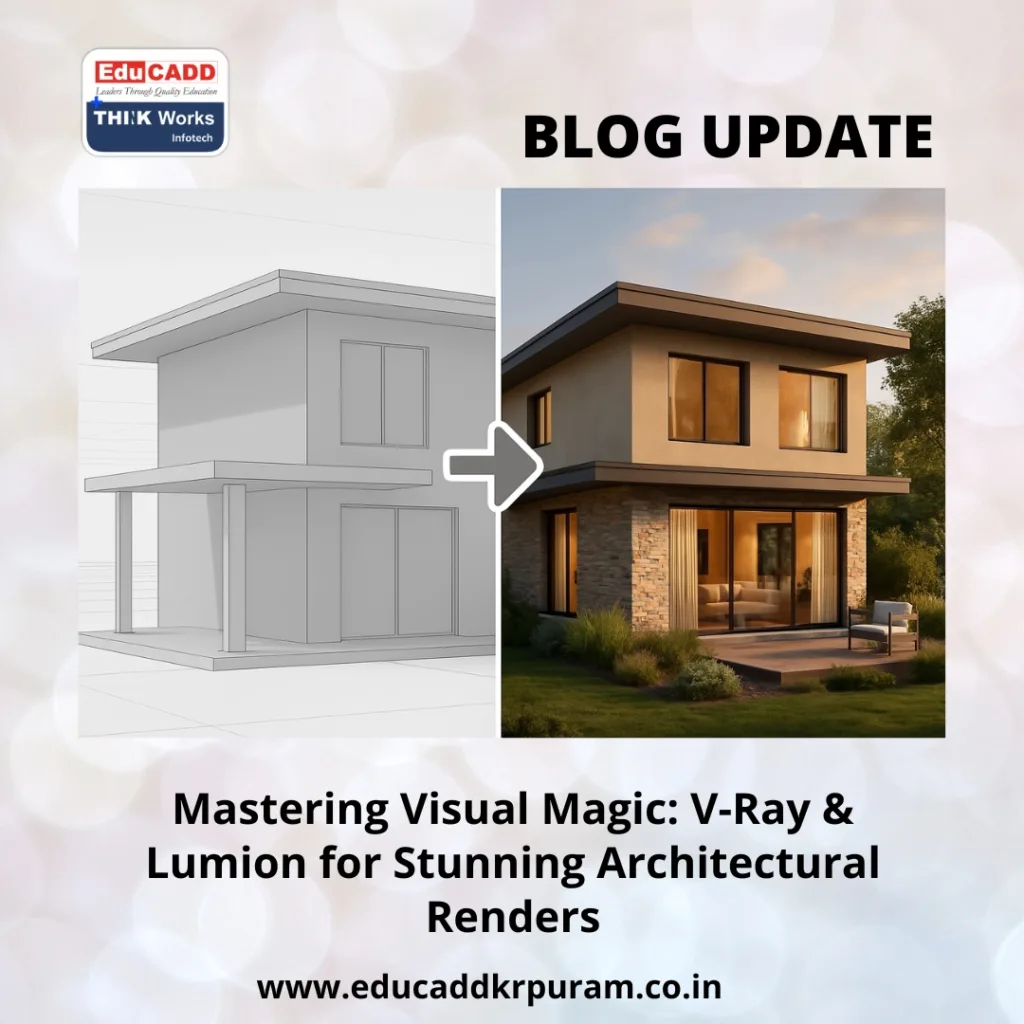
V-Ray Lumion Rendering Mastery
1. The Evolution of Architectural Visualization Tools
V-Ray Lumion Rendering Mastery has significantly evolved over the past few decades. In the past, hand-drawn sketches were the only way to present design ideas to clients. However, digital transformation brought about powerful software solutions, making it easier than ever to create lifelike visualizations. Among the most impactful tools in this domain are V-Ray and Lumion.
These two giants of rendering technology have revolutionized how architects, designers, and 3D artists present their work. With the rise in client expectations and the competitive nature of architectural presentations, delivering realistic renders has become more crucial than ever. That’s where the synergy of V-Ray & Lumion truly shines.
Today, visual storytelling plays a central role in architecture. It’s not enough to show a floor plan; clients want to experience their future spaces. That demand is pushing professionals to learn advanced visualization tools. Naturally, V-Ray and Lumion stand out due to their unmatched output quality and dynamic workflows.
Furthermore, these tools are not just about aesthetics. They impact client satisfaction, project approvals, and marketing outcomes. Hence, adopting V-Ray & Lumion for stunning architectural renders is no longer optional—it’s essential.
2. Why V-Ray Stands Out in Photorealistic Rendering
V-Ray, developed by Chaos Group, is synonymous with photorealism. Used widely in architectural rendering, interior design, product visualization, and animation, this plugin integrates smoothly with popular 3D software like SketchUp, 3ds Max, Revit, and Rhino.
One of V-Ray’s strongest assets is its precision in simulating real-world lighting, materials, and textures. Unlike basic rendering tools, V-Ray leverages advanced ray-tracing and global illumination techniques. These features allow you to produce renders so lifelike, it becomes hard to tell the difference between a photograph and a digital image.
Additionally, V-Ray provides powerful control over every rendering parameter. From adjusting camera angles to managing material reflection, everything is customizable. Architects can tweak even the smallest details to achieve the exact visual tone they envision.
Moreover, its asset library is robust. With thousands of pre-built materials, lights, and textures, V-Ray saves time while still allowing for creativity. You don’t have to start from scratch for every project, which boosts efficiency without compromising quality.
Although it requires a learning curve, professionals who master V-Ray often experience dramatic improvements in render quality. And since it’s built with performance in mind, even complex scenes render faster with GPU acceleration.
Ultimately, if you’re aiming for ultra-realistic output, V-Ray is a powerful companion. When used effectively, it delivers stunning architectural renders that captivate and convince.
3. The Power of Lumion in Real-Time Rendering
While V-Ray focuses on realism through precision, Lumion offers speed, ease of use, and real-time rendering. Lumion is a standalone rendering software developed especially for architects. It’s designed to transform CAD models into immersive visual experiences—fast.
One major advantage of Lumion is its real-time preview. As you make changes to materials, lighting, or environment settings, you see the results immediately. This instant feedback loop enables rapid experimentation and encourages creativity throughout the design phase.
Furthermore, Lumion comes with an extensive content library. From trees and people to cars and furniture, these ready-made assets help bring your design to life. It also includes weather controls, terrain editing, and advanced animation features. That means you can simulate seasons, daylight transitions, or even create walkthroughs and fly-throughs with ease.
Another key feature is its LiveSync integration. This allows real-time connection with modeling software like Revit, SketchUp, and Rhino. As you model, the changes reflect instantly in Lumion. This ensures a seamless workflow that saves time and enhances productivity.
Additionally, Lumion’s interface is beginner-friendly. Unlike V-Ray, which requires technical knowledge, Lumion is intuitive and visual. Designers can get impressive results without extensive training, making it ideal for fast-paced projects or tight deadlines.
Even though its rendering style leans toward a more artistic or stylized finish, Lumion’s output still feels vivid and professional. When used creatively, it can produce stunning architectural renders that leave a lasting impression.
4. Combining V-Ray & Lumion: The Perfect Rendering Workflow
Many professionals often ask: Should I use V-Ray or Lumion? But in reality, the best approach might be using both tools in tandem. Each brings a unique set of strengths to the table. When strategically combined, they form an incredibly powerful rendering workflow.
Typically, architects begin modeling in software like SketchUp, Revit, or Rhino. From there, they can use V-Ray to create high-detail photorealistic stills. These are perfect for presentations, portfolios, and client brochures where image quality matters most.
On the other hand, Lumion excels in producing quick visuals, video walkthroughs, and live design reviews. For example, if you’re in a meeting and need to showcase different lighting scenarios or material combinations, Lumion’s real-time preview is invaluable.
In fact, many designers start rendering in Lumion for concept visuals and transition to V-Ray for final output. This dual-tool workflow enables creative freedom, faster decision-making, and superior visual results.
Moreover, combining the strengths of both tools boosts your versatility. Clients don’t all respond the same way. Some prefer artistic animations; others demand hyper-realistic stills. With both V-Ray and Lumion in your toolbox, you’re equipped to handle any visualization challenge.
That said, efficient file management and a clear rendering strategy are key. You must know when to use each tool and for what purpose. Once this workflow becomes second nature, your architectural presentations will look truly professional—and feel unforgettable.
5. Tips for Creating Stunning Architectural Renders Every Time
Using V-Ray & Lumion effectively requires more than just technical knowledge. You also need an eye for detail, composition, and storytelling. Here are some essential tips to elevate your renders from good to stunning:
a. Focus on Composition:
Great visuals are not just about textures and lighting. Framing, camera angles, and focal points define how your audience perceives the space. Always apply the rule of thirds, balance elements, and guide the viewer’s eye.
b. Use Natural Lighting:
Lighting can make or break a render. In V-Ray, leverage HDRI skies and realistic sun systems. In Lumion, use real-time shadows, time-of-day settings, and volumetric lighting to add atmosphere.
c. Prioritize Materials:
Textures should reflect the real-world material properties. Use bump maps, glossiness, and displacement smartly. Whether it’s concrete, wood, or glass, ensure it reacts correctly to light.
d. Add Life to Your Scene:
Empty scenes look dull. Populate them with people, vehicles, plants, and decor items. Lumion’s asset library makes this easy. However, don’t overcrowd—subtlety adds realism without distraction.
e. Post-Production Magic:
Even the best render can benefit from post-processing. Use Photoshop or Lumion’s in-built effects to enhance colors, contrast, and sharpness. Add depth of field, vignette, and bloom for extra polish.
f. Tell a Story:
Every render should answer a question: What does this space feel like? Is it cozy? Is it luxurious? Is it functional? When you tell a visual story, your design resonates on an emotional level.
By applying these principles and combining the strengths of V-Ray & Lumion, you can consistently create stunning architectural renders that inspire trust and admiration.
Conclusion: Elevate Your Designs with the Power Duo
In the fast-moving world of V-Ray Lumion Rendering Mastery, having the right tools is only half the story. How you use them—and how well they complement each other—makes the real difference. V-Ray brings unmatched realism. Lumion adds speed and interactivity. Together, they form a powerhouse duo for architects who aim to impress.
So, whether you’re working on a residential villa, a corporate office, or an urban landscape, integrating both V-Ray & Lumion into your workflow can elevate your output beyond expectations. Not only will your renders look stunning, but they will also communicate your design ideas with clarity and emotion.
In short, V-Ray & Lumion for stunning architectural renders is not just a catchphrase. It’s a professional standard that every modern architect and designer should aspire to maste

