
Master CAD Skills and Build a Future-Ready Design Career
Introduction
Computer-Aided Design has changed the way professionals create, develop, and present technical ideas. From engineering components to buildings and interiors, digital design tools are now part of many modern industries. As companies move toward faster and more accurate workflows, skilled CAD professionals continue to be valuable in the workplace. This is where structured Future-Ready CAD Design Career can make a major difference
For students, graduates, and working professionals, learning CAD can open the door to several career paths. However, simply knowing how to use design software may not be enough. Employers also look for practical knowledge, technical accuracy, project experience, and professional confidence.
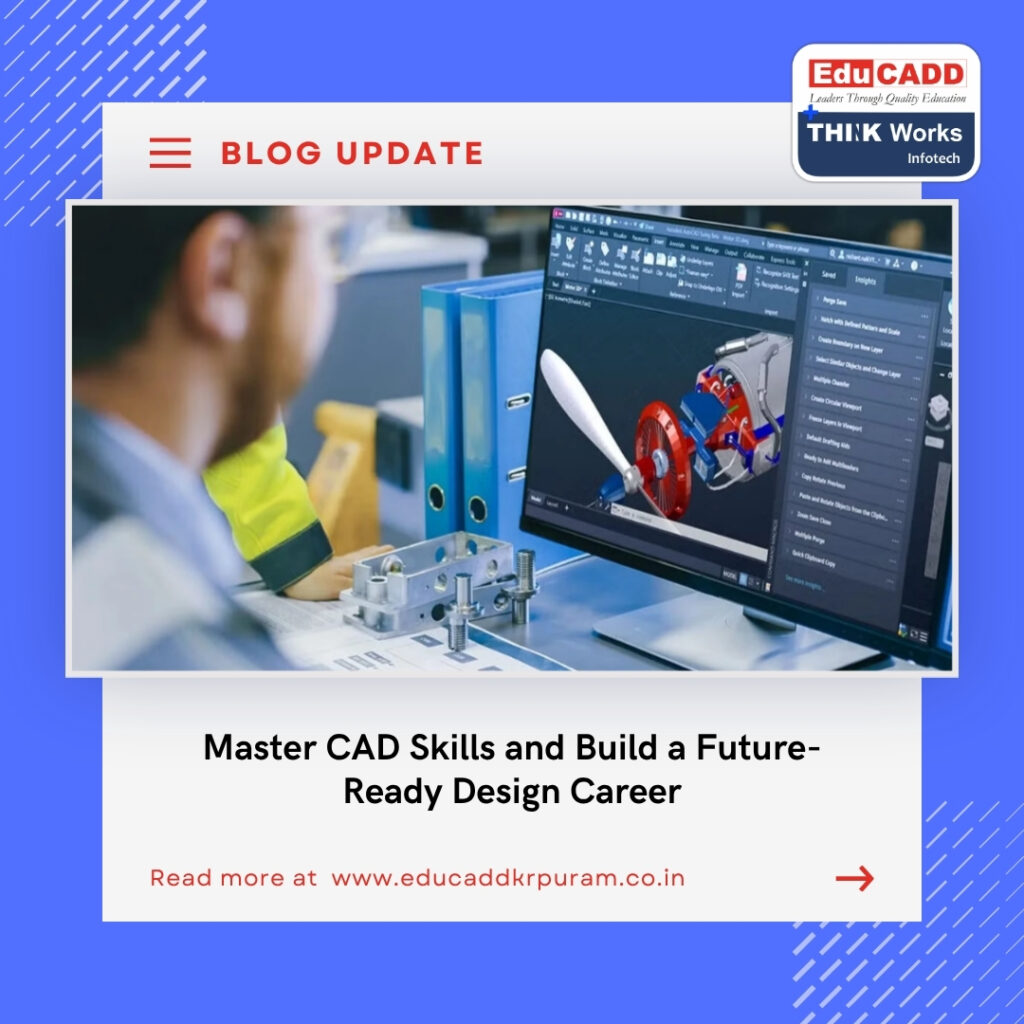
Future-Ready CAD Design Career
A well-designed training program can help learners move from basic drawings to professional projects. With the right guidance and certification, students can develop skills that support long-term career growth.
Why CAD Skills Matter in Today’s Industry
Traditional drafting methods require considerable manual effort and can make revisions difficult. CAD software has made design work more efficient by allowing professionals to create accurate drawings, modify concepts quickly, and manage complex details with greater control.
Today, CAD is used across mechanical engineering, civil construction, architecture, interior design, manufacturing, and infrastructure development. Therefore, learning CAD can provide useful skills for people interested in technical and creative careers.
Modern design teams also depend on digital collaboration. Engineers, architects, contractors, and designers often work with shared digital drawings and models. As a result, professionals who understand CAD workflows can communicate their ideas more effectively.
What Can You Learn Through Professional CAD Training?
A good Future-Ready CAD Design Career program should go beyond explaining software commands. It should help students understand how those tools are applied to real design situations. Beginners can start with fundamental concepts before progressing toward advanced techniques.
Depending on the chosen specialization, learners may explore 2D drafting, 3D modeling, assemblies, rendering, documentation, building models, structural design, or engineering analysis.
Important areas may include:
- 2D drafting and technical drawings
- 3D modeling and visualization
- Design documentation
- Professional drawing standards
- Dimensioning and annotations
- Project-based design practice
- Industry-specific software
- Portfolio development
This practical approach allows students to build confidence while working on realistic design challenges.
Choose a CAD Specialization That Fits Your Career
One of the biggest advantages of CAD education is the wide range of specializations available. Instead of following the same learning path, students can select a field that matches their interests and career plans.
Mechanical CAD for Engineering Careers
Mechanical design is an important area of CAD. Engineers and designers use digital tools to develop machine components, products, assemblies, and manufacturing drawings.
Mechanical CAD courses can introduce learners to tools such as AutoCAD Mechanical, CATIA, Creo, ANSYS, NX CAD, and GD&T. Students can gradually develop their understanding of 3D modeling, product development, engineering drawings, and design analysis.
This specialization can be suitable for mechanical engineering students, graduates, and professionals who want to strengthen their technical design abilities.
Civil CAD for Construction and Infrastructure
Civil engineering projects require accurate drawings and detailed planning. CAD software helps professionals prepare layouts, structural drawings, site plans, and construction documentation.
A Civil CAD course may cover tools such as AutoCAD Civil, Revit, ETABS, STAAD Pro, SketchUp, 3ds Max, and other industry-focused applications.
Students can also explore areas such as structural design, architectural modeling, quantity-related workflows, and project planning. These skills can support careers in construction companies, design consultancies, infrastructure firms, and architectural practices.
Architectural CAD for Creative Design
Architecture combines creativity with technical precision. CAD tools allow architects and designers to convert concepts into detailed digital drawings and models.
Architectural training may introduce learners to floor plans, elevations, sections, 3D visualization, building documentation, and presentation techniques.
By developing both creative and technical abilities, students can become better prepared for professional architectural environments.
Interior Design CAD for Modern Spaces
Interior design is another field where CAD knowledge can provide valuable advantages. Designers use digital tools to plan spaces, develop layouts, create furniture arrangements, and present visual concepts.
CAD-based interior design training can help students understand dimensions, space planning, materials, lighting concepts, and 3D visualization.
For creative learners, this combination of design thinking and technical software knowledge can create exciting career opportunities.
BIM for Advanced Digital Construction
Building Information Modeling has become an important part of modern construction workflows. Unlike traditional drawings, BIM allows teams to work with intelligent digital building models.
BIM courses can help learners understand architectural, structural, and MEP modeling while also introducing them to coordinated project workflows.
Learning BIM can be especially useful for professionals interested in digital construction, building coordination, project management, and information-based design.
Why Certification Can Strengthen Your Career Profile
Learning software is valuable, but proving your skills can make your professional profile stronger. A recognized CAD certification can demonstrate that you have completed structured training and developed knowledge in a particular area.
Certification does not automatically guarantee employment. However, it can add credibility when combined with practical skills and a strong portfolio.
Employers often want candidates who can demonstrate what they can actually do. Therefore, certification should be supported by project experience, technical understanding, and good communication.
Learn Through Practical Projects
One of the best ways to improve CAD ability is through regular project practice. Watching tutorials can help you understand commands, but applying those commands to complete projects develops deeper confidence.
A practical learning environment allows students to make mistakes, correct them, and understand why certain design methods work better than others.
Projects can also become valuable portfolio pieces. Instead of simply telling an employer that you know CAD, you can show examples of your drawings, models, layouts, or design concepts.
Build a Portfolio That Gets Attention
A professional portfolio can play an important role during job applications. It gives recruiters and interviewers a quick view of your capabilities.
Your portfolio should focus on quality rather than quantity. Select projects that demonstrate different skills and explain your role clearly.
Consider including:
- 2D technical drawings
- 3D models
- Architectural layouts
- Mechanical components
- Structural drawings
- Interior concepts
- BIM models
- Rendered presentations
Keep your portfolio organized and easy to understand. Clear presentation can make your technical work more impressive.
How Placement Support Can Help Job Seekers
Completing a Future-Ready CAD Design Career is only one step toward building a career. Students also need to understand how to search for suitable opportunities, prepare resumes, communicate professionally, and perform well during interviews.
Career-focused institutes may provide CAD job placement assistance through resume guidance, interview preparation, career counseling, and connections with hiring organizations.
However, students should also take responsibility for their career development. Applying regularly, improving technical skills, building a portfolio, and preparing for interviews can increase their chances of finding suitable opportunities.
Develop Skills Beyond CAD Software
Technical software knowledge is important, but successful professionals need more than software skills. Communication, teamwork, time management, and problem-solving can also influence career growth.
For example, a designer may create an accurate model but still need to explain design decisions to engineers or clients. Good communication can make collaboration easier.
Similarly, professionals often work under deadlines. Learning to organize tasks and complete projects accurately can help students adapt to workplace expectations.
How to Select the Right CAD Institute
Choosing a training institute requires careful consideration. Not every course offers the same learning experience, software exposure, or project practice.
Before enrolling, compare the course structure and training approach. Look for programs that provide practical assignments, experienced trainers, updated software, and career-oriented learning.
You can consider the following factors:
- Course curriculum
- Trainer experience
- Practical project exposure
- Software coverage
- Certification
- Student support
- Portfolio development
- Placement assistance
- Training flexibility
A suitable institute should help you understand both the software and its professional application.
CAD Training for Students and Working Professionals
CAD education is not limited to fresh graduates. Working professionals can also use specialized training to upgrade their existing skills.
Students may choose certified Future-Ready CAD Design Career to gain practical exposure before entering the job market. Professionals can select advanced programs to improve their technical capabilities or move toward a new specialization.
Online and flexible learning options can also make training easier for people managing college, work, or other responsibilities. The most important factor is consistent practice.
Create a Long-Term Career Growth Plan
Learning CAD should be viewed as the beginning of professional development rather than the final destination. Technology continues to evolve, and design professionals need to keep learning.
After mastering basic tools, you can explore advanced software, industry-specific applications, BIM workflows, visualization, analysis, or project management.
Continuous learning can help you remain competitive and adapt to changing workplace requirements.
Turn Your CAD Knowledge Into Career Opportunities
The real value of CAD skills comes from applying them effectively. Whether you want to work in mechanical engineering, civil design, architecture, interior design, or BIM, practical knowledge can give you a stronger starting point.
Begin with the fundamentals. Practice regularly. Work on realistic projects. Build a portfolio. Earn relevant certification. Then, gradually expand your technical knowledge.
This structured approach can help transform basic software knowledge into professional capability.
Conclusion
A career in digital design can offer opportunities across several industries. With the growing use of technology in engineering, construction, manufacturing, architecture, and interior design, CAD remains an important professional skill.
Choosing the right Future-Ready CAD Design Career can help you develop technical knowledge through structured learning and practical projects. Adding certification, portfolio experience, communication skills, and career preparation can make your profile even stronger.
Your career journey does not need to begin with advanced expertise. Start with the fundamentals, choose a specialization that matches your goals, and keep improving with every project. With consistent learning and the right professional direction, CAD can become a powerful foundation for a rewarding and future-ready career.

